FM27 Transfer Budget Planner: See Every Deal’s Squad and Wage Effect
Test several signings and sales together before committing your budget.
Import your squad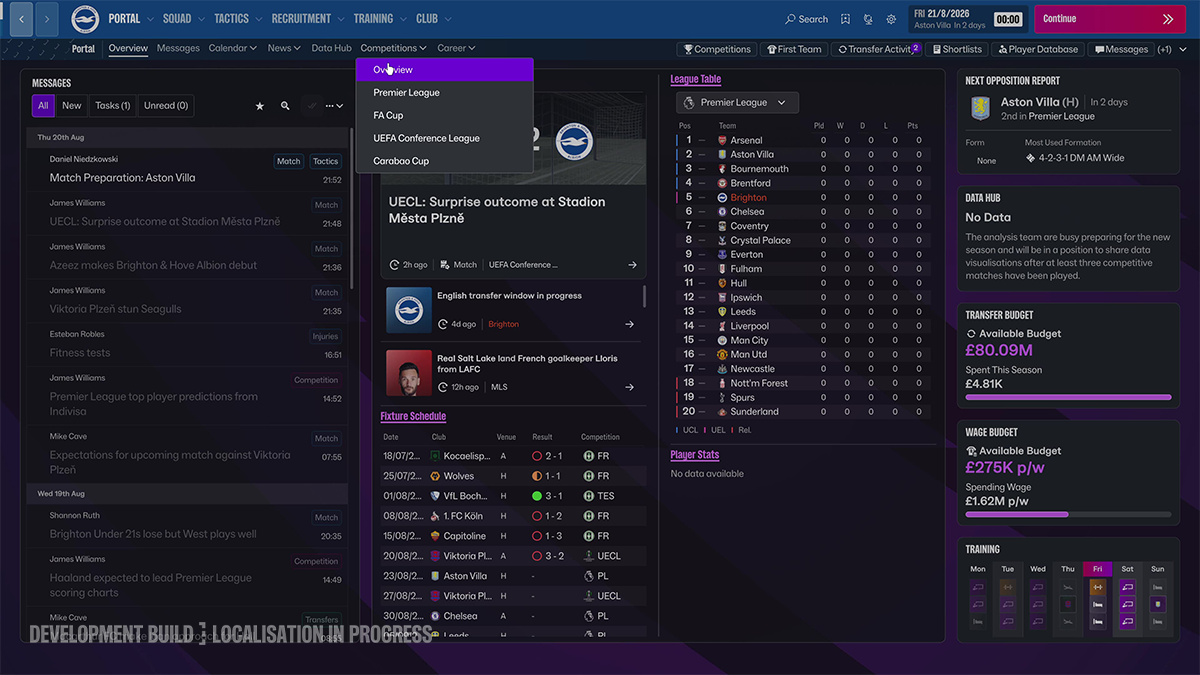
Bring your squad into focus
Choose an FM27 career save or a squad CSV once. Your lineup, depth and planning tools use the same players.
Your save is read on your device. Only the squad you import is kept in this browser for your next visit.The save reader looks for your managed club, positions, attributes and contract dates. No game installation needs to be running. If a reading is missing or the save cannot be read, a squad CSV can provide another route.
How to get a useful FM27 squad CSV
On Windows, FM View Exporter can save the squad table as CSV. Its Analyzer squad view includes player IDs, contracts and the attributes needed for role comparisons. Open that view in FM27, then export the squad. A FMSuperScout shortlist CSV works for basic coverage and finance, but its CSV does not include attributes.
For an initial check, the file needs player names and positions. Add age or birth date, wages, contract dates and attributes when your view offers them; the page will name anything it cannot read.
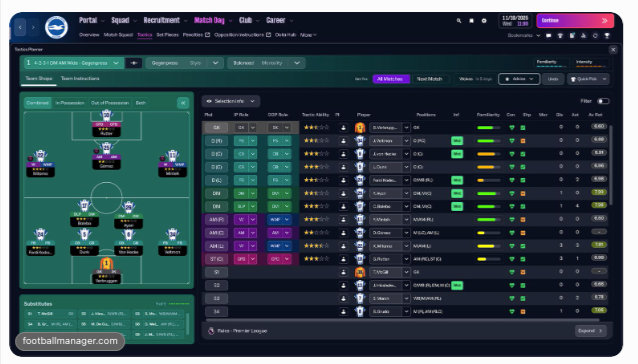
After Transfer Budget Planner
Your imported squad carries over when you open a related tool.
Can you afford the whole FM27 transfer window?
Plan several signings and sales in one scenario. The FM27 Transfer Budget Planner separates the cash fee, weekly wage change and total contract wage commitment for each move. Add the transfer and wage budgets shown in your save when you want a remaining-budget answer. An imported shortlist can fill a target's name, age and position, and an asking price only when the export includes one.
The squad view updates alongside the financial totals: a sale can expose a position and a signing can restore cover or change the age structure. Selling a high-wage player may free salary without paying for a new transfer fee. A low fee can still carry a large contract cost over several seasons.
Check the resulting squad gapsWhich costs need your own confirmation?
Enter the agreed fee, new wage and contract term for a proposed signing; add signing and agent fees if they apply. The tool keeps those amounts separate so a single total does not hide the choice. Instalments, bonuses, taxes, clauses and registration rules are not inferred from a squad CSV. Review the offer in FM27 before you commit.
See what two signings and one sale do together
Start with the players already in your squad. Add the sale first and inspect the position it removes and the weekly wage it releases. Then add both targets. A target imported from another club can bring a name, age, position and asking price into the scenario if those fields exist, but the proposed wage and contract term still need the deal you are considering. This prevents a listed market value from being silently treated as an agreed fee.
The resulting view keeps remaining transfer cash, remaining wage room and the full wage commitment across each contract apart. It also rebuilds the squad view so a cheap move that leaves no right-back cover is visible beside the financial result. Change one deal and compare the new outcome before you decide which offer to pursue. If a fee is paid in instalments or has bonuses, check those terms in FM27; a simple cash fee cannot represent them.
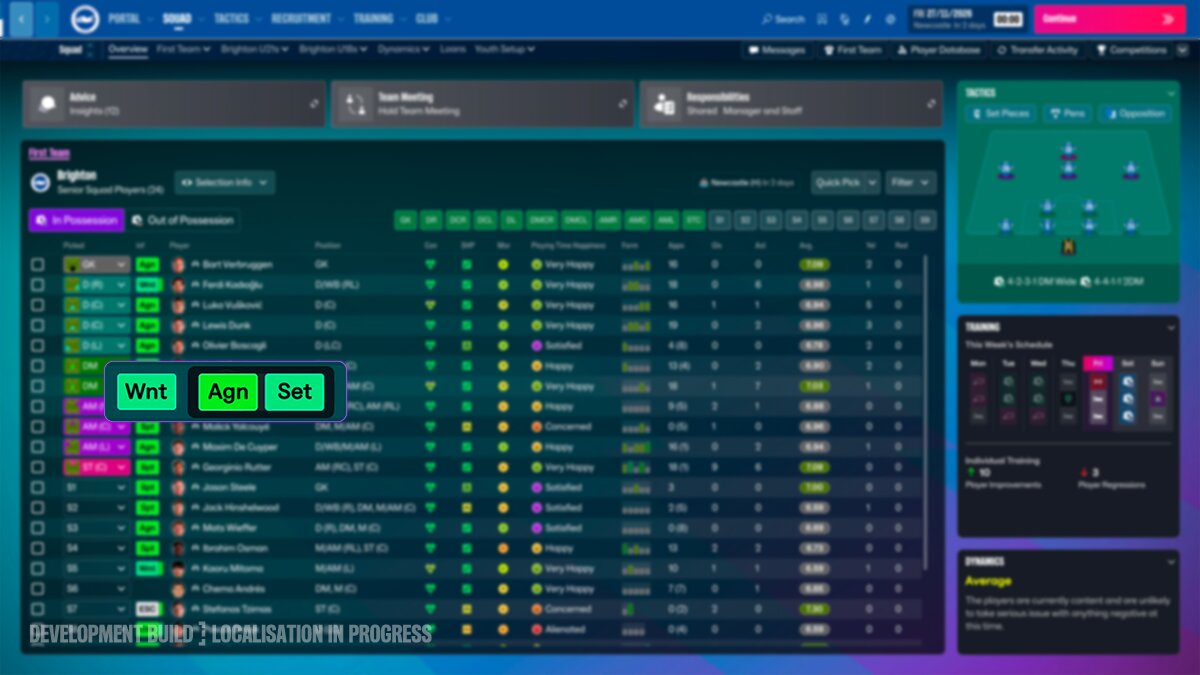
Use Transfer Budget Planner for your next decision
See how several deals change your cash, weekly wages and position cover together.
- Add the signings and sales you are considering.
- Use imported targets to fill details when available.
- Add budget figures from your save to check affordability.
Does this match every FM27 budget rule?
It separates fees, wages and full contract cost. Installments, bonuses and competition rules need information this squad view does not provide.
What these results can tell you
Your player names, positions and other readings come from the file you choose. Missing values stay unknown. Your squad remains in this browser until you remove it.
Budget results use the fees and wages you enter. Installments, bonuses and registration limits are outside these totals.