FM27 Squad Depth Chart: See Who Covers an Absence
Check who starts, who covers and what happens when players are unavailable.
Import your squad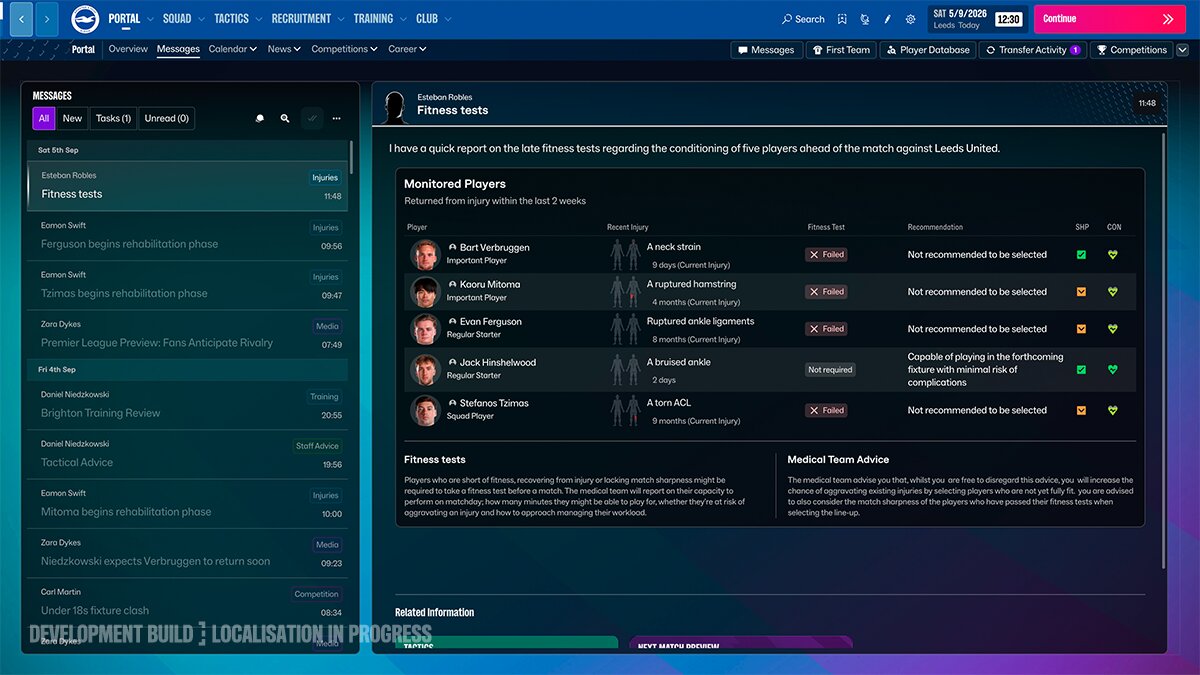
Bring your squad into focus
Choose an FM27 career save or a squad CSV once. Your lineup, depth and planning tools use the same players.
Your save is read on your device. Only the squad you import is kept in this browser for your next visit.The save reader looks for your managed club, positions, attributes and contract dates. No game installation needs to be running. If a reading is missing or the save cannot be read, a squad CSV can provide another route.
How to get a useful FM27 squad CSV
On Windows, FM View Exporter can save the squad table as CSV. Its Analyzer squad view includes player IDs, contracts and the attributes needed for role comparisons. Open that view in FM27, then export the squad. A FMSuperScout shortlist CSV works for basic coverage and finance, but its CSV does not include attributes.
For an initial check, the file needs player names and positions. Add age or birth date, wages, contract dates and attributes when your view offers them; the page will name anything it cannot read.
After Squad Depth Planner
Your imported squad carries over when you open a related tool.
01Squad AnalyzerSee which positions need cover and which squad decisions deserve attention.
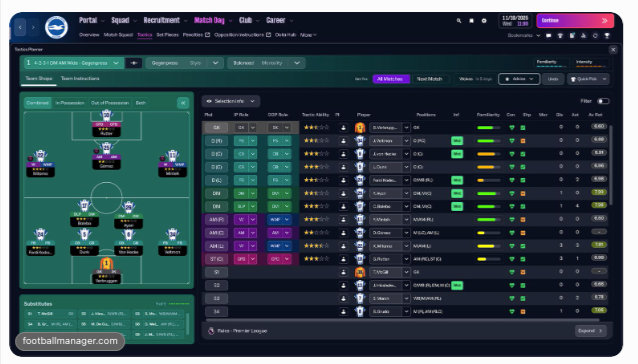
 02Best XI Planner
See your best available eleven on the pitch, compare cover and test a second shape without changing players.
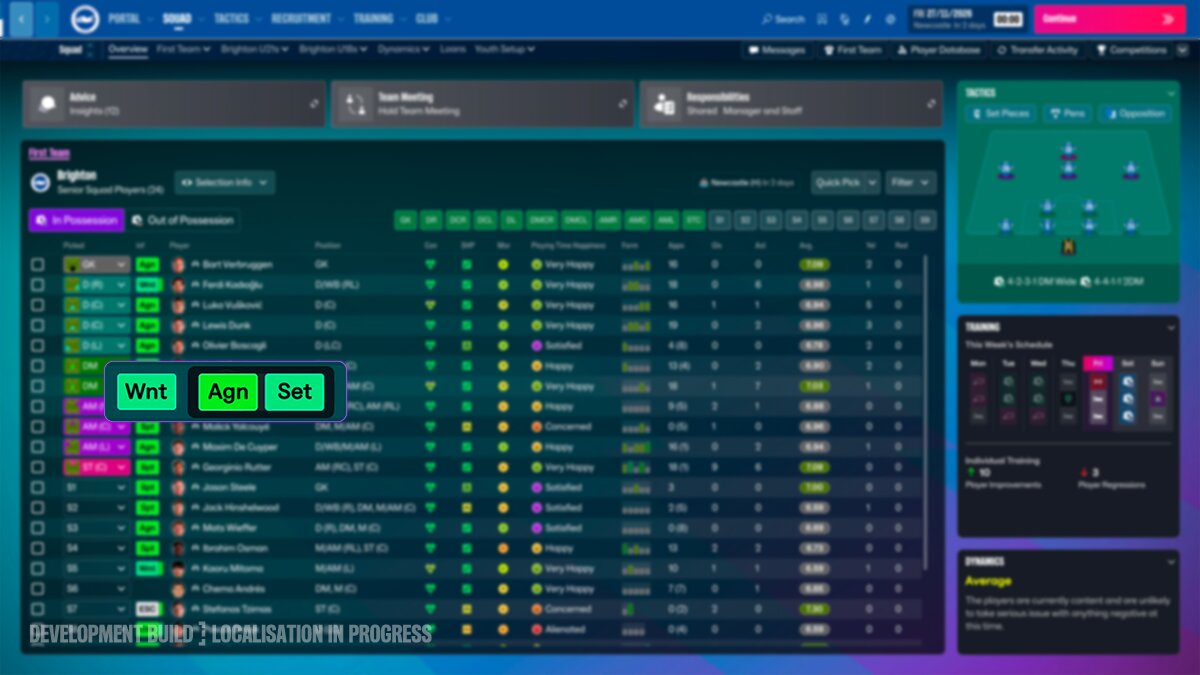 03Squad Age Analyzer
See who may need replacing as contracts and loans reach their end dates.
Who starts when your first choice is unavailable?
The FM27 Squad Depth Chart shows a starter, first reserve and further cover for each position in your selected shape. It rebuilds the eleven when you mark an extra player absent, rather than counting the same utility player as a starter in two places. This makes the right-back problem visible when the only spare defender is already needed at centre back.
Change to the future view to inspect possible gaps after known contract and loan end dates. An expiring deal is a planning prompt, not a claim that the player will leave. The page names youth options when that information appears in the imported file, and flags positions that cannot be filled with the players still available.
See how cover changes over timeUse the depth chart before a transfer search
Read the weakest position together with its first reserve and any flexible players that position draws away from elsewhere. If an absence leaves two open slots, one new signing may solve only one of them. If a youth player is listed but has no exported ability or match information, inspect that player in your save before treating them as a ready substitute.
Test the absence that would change your plan
Mark the player whose absence you worry about, then check the rebuilt formation rather than reading a list of backups in isolation. A utility defender might be first reserve at right back and centre back on paper. Once they start in one place, the other place needs a different person. The depth chart shows which separate names remain and which slot stays open, so the transfer target can be described as a specific kind of cover.
Switch to the next two seasons for a second question: which positions may lose cover when known contract or loan dates pass? The view treats those dates as a scenario and distinguishes an explicit departure flag from an expiring deal. A youth player can appear as an option when the export identifies them, but a name alone does not establish readiness. Inspect their attributes and role options before making them the only planned reserve.
Use Squad Depth Planner for your next decision
See your starters, separate reserves and the positions an absence would expose.
- Check the current formation.
- Mark an extra absence to rebuild the lineup.
- Switch to the next two seasons to review dated exits.
Can one reserve cover two places at once?
A flexible player can be listed for several positions, but the rebuilt lineup assigns that player only once.
What these results can tell you
Your player names, positions and other readings come from the file you choose. Missing values stay unknown. Your squad remains in this browser until you remove it.
Position and future cover use the listed players and dates. Missing injury status stays unknown, and contract end dates show a possible vacancy rather than a confirmed departure.