FM27 Squad Analyzer: Find the Position Behind Your Next Decision
See which positions need cover and which squad decisions deserve attention.
Import your squad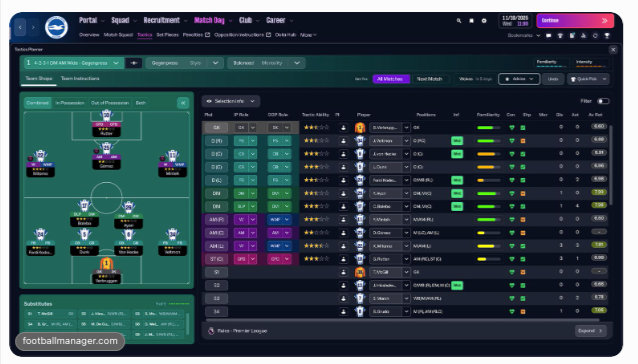
Bring your squad into focus
Choose an FM27 career save or a squad CSV once. Your lineup, depth and planning tools use the same players.
Your save is read on your device. Only the squad you import is kept in this browser for your next visit.The save reader looks for your managed club, positions, attributes and contract dates. No game installation needs to be running. If a reading is missing or the save cannot be read, a squad CSV can provide another route.
How to get a useful FM27 squad CSV
On Windows, FM View Exporter can save the squad table as CSV. Its Analyzer squad view includes player IDs, contracts and the attributes needed for role comparisons. Open that view in FM27, then export the squad. A FMSuperScout shortlist CSV works for basic coverage and finance, but its CSV does not include attributes.
For an initial check, the file needs player names and positions. Add age or birth date, wages, contract dates and attributes when your view offers them; the page will name anything it cannot read.
After Squad Analyzer
Your imported squad carries over when you open a related tool.
Where is your FM27 squad actually thin?
A long player list can hide a fragile position. The Squad Analyzer groups every imported player by the positions in your imported file, then checks how many separate players can cover each place in your chosen formation. A player who covers right back and centre back is useful in both plans, but cannot fill both places in the same eleven.
The first result highlights the decisions worth making: a position with no clear second option, an older group without an obvious successor, a deal approaching its end, or wages concentrated in a small part of the squad. Open each action to see the names and readings behind it. Where the imported file has no injury, contract or wage reading, that part of the answer stays open instead of becoming a guess.
Check who covers an absenceWhich FM27 columns make the analysis more useful?
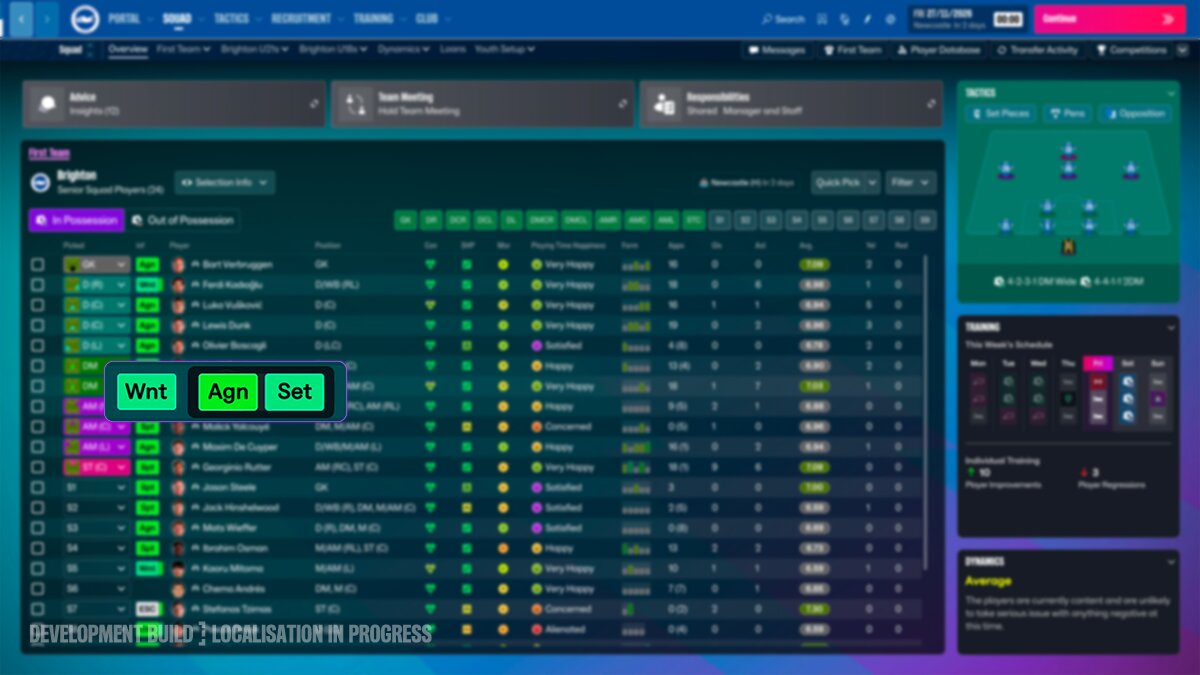
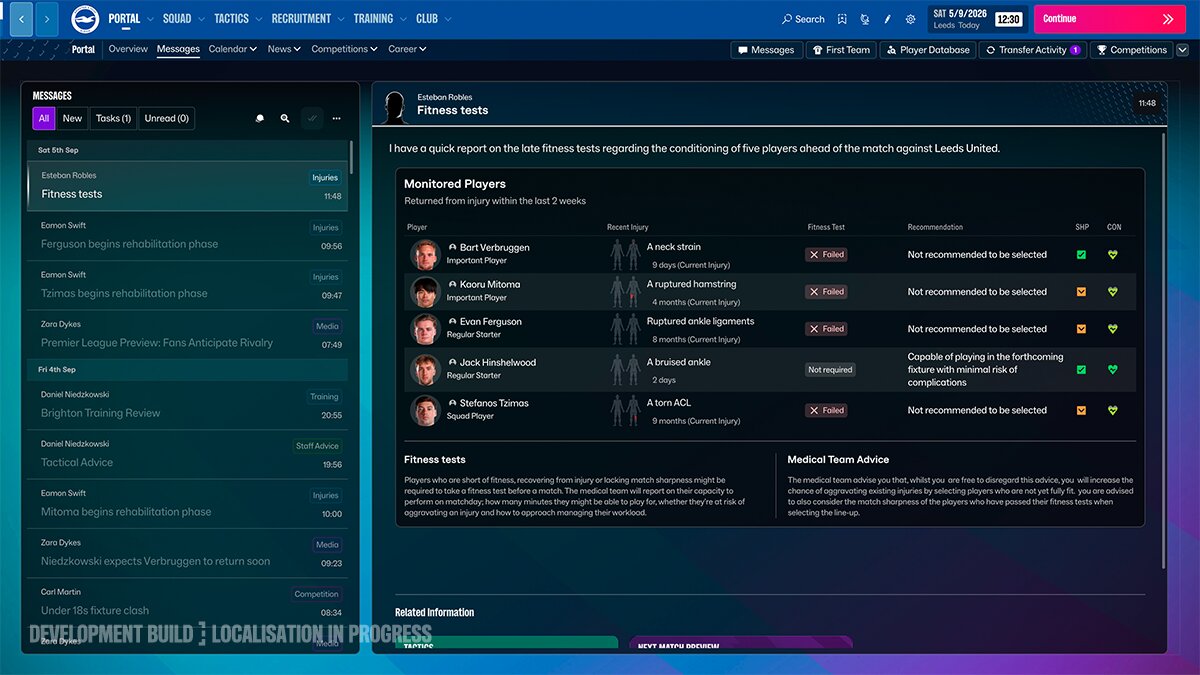
Name and position are enough to build a position map. Age and contract end date reveal possible future gaps. Wage and value make it easier to inspect a costly overlap. Injury status changes who is currently available. If your export includes youth squad or player status fields, the tool can separate those readings from the first team view.
For a focused export, keep one row per player and include the same columns for everyone. The column matching step shows which headings were recognised and lets you correct a match before any conclusion uses it. The result remains tied to the club you choose when the file contains multiple clubs.
Read an action before deciding to buy
Suppose the right side has one listed starter and a defender who can also play in the centre. The action is to check whether moving that defender leaves centre back exposed; it is not automatically a demand to sign a right back. Open the linked depth view and mark the player who is unavailable. If a complete eleven still exists, compare the first reserve with the other possible assignments. If it does not, the missing slot tells you what the squad cannot currently cover.
Contract and age warnings answer a different question. A deal ending soon creates a decision date, while a player marked to leave is a stronger signal. Use the future view to see which positions depend on that player, then decide whether renewal, a youth option or recruitment deserves attention. The report should show the names and dates that led to each warning.
Use Squad Analyzer for your next decision
See where your next squad decision matters most, with the players and dates behind it.
- Import your squad once.
- Choose a formation if you use a different shape.
- Open a suggested action to check cover or future departures.
Does enough cover mean the position is strong?
Cover counts players listed for a position. It does not judge their quality or fitness when that information is missing.
What these results can tell you
Your player names, positions and other readings come from the file you choose. Missing values stay unknown. Your squad remains in this browser until you remove it.
Position and future cover use the listed players and dates. Missing injury status stays unknown, and contract end dates show a possible vacancy rather than a confirmed departure.