FM27 Best XI Calculator: Build an Eleven You Can Actually Field
See your best available eleven on the pitch, compare cover and test a second shape without changing players.
Import your squad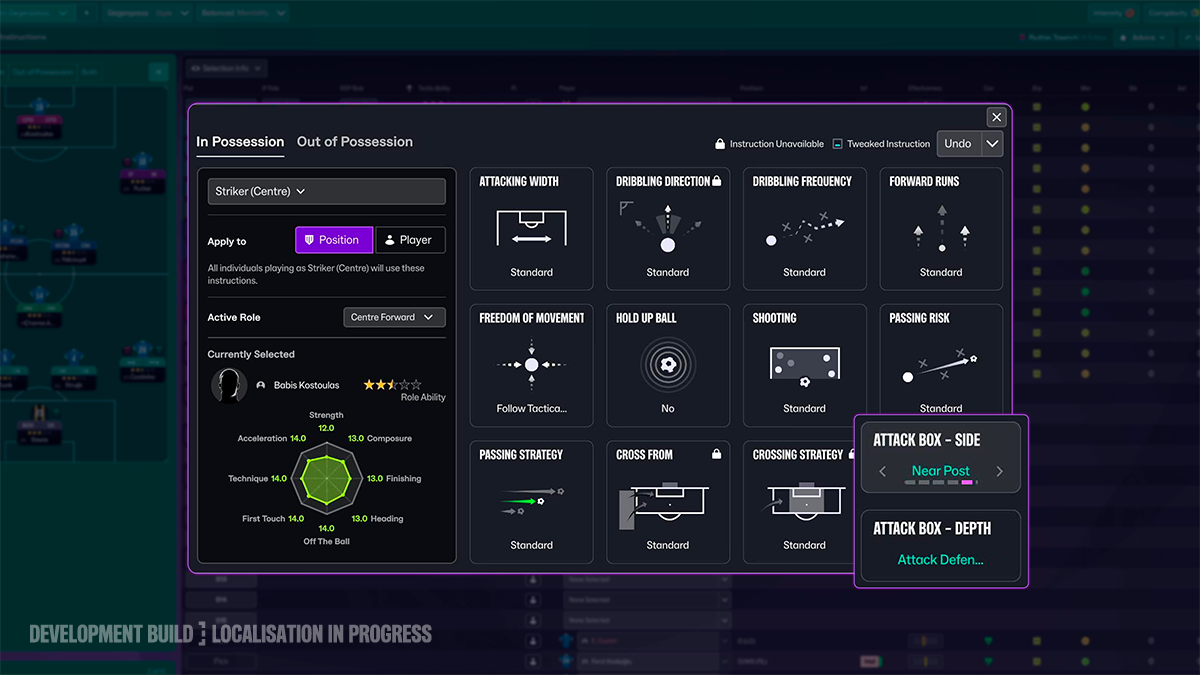
Bring your squad into focus
Choose an FM27 career save or a squad CSV once. Your lineup, depth and planning tools use the same players.
Your save is read on your device. Only the squad you import is kept in this browser for your next visit.The save reader looks for your managed club, positions, attributes and contract dates. No game installation needs to be running. If a reading is missing or the save cannot be read, a squad CSV can provide another route.
How to get a useful FM27 squad CSV
On Windows, FM View Exporter can save the squad table as CSV. Its Analyzer squad view includes player IDs, contracts and the attributes needed for role comparisons. Open that view in FM27, then export the squad. A FMSuperScout shortlist CSV works for basic coverage and finance, but its CSV does not include attributes.
For an initial check, the file needs player names and positions. Add age or birth date, wages, contract dates and attributes when your view offers them; the page will name anything it cannot read.
After Best XI Planner
Your imported squad carries over when you open a related tool.
Pick a starting eleven without using one player twice
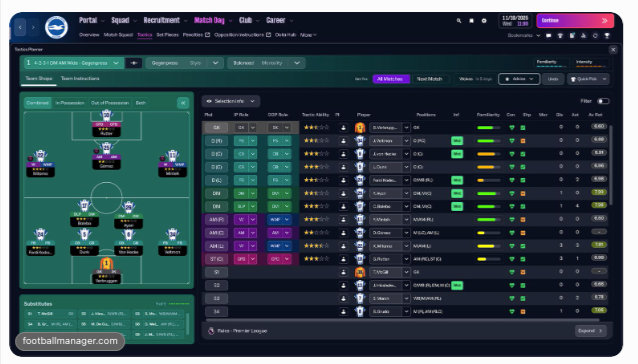
Choose a formation and the FM27 Best XI Calculator assigns one eligible player to each of its eleven slots on a live pitch and in a squad table. It considers the positions listed in your imported squad, excludes players marked unavailable, and respects any player you lock into a slot. The player beside each place has a selection reason, so the result is more than a pitch graphic.
Pick a position on the pitch to see eligible replacements, lock your captain or a prospect, then compare another complete lineup. If enough players have the required attributes, the tool can use a labelled community role estimate; otherwise it falls back to position eligibility alone. Exported game-view readings remain visible separately. It never silently treats a missing attribute as an average one. A full alternative lineup is shown only when the remaining squad can fill every slot.
Inspect a player's role optionsWhat should you check before using this XI on match day?
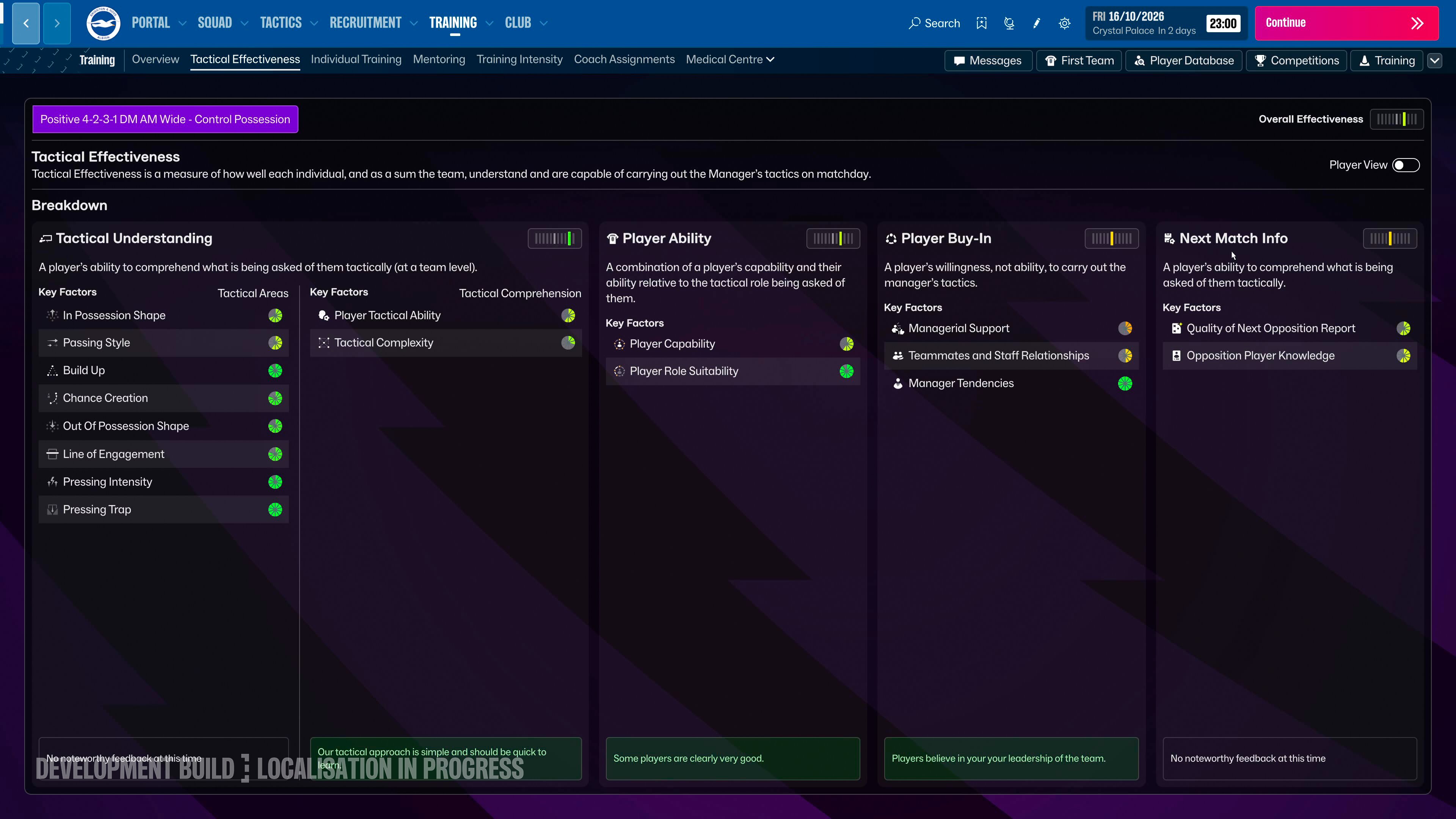
Start with the open slots and the closest alternatives. A strong role estimate does not account for an opponent, a fresh injury, morale or every Tactical Effectiveness factor. The lineup is a position and role planning answer, not a prediction of the next match. Switch to the out-of-possession view to rearrange those same eleven players; an open place means their listed positions do not cover the second shape. Save both shapes together, then make another plan when you need to rest or lock different players.
How the Best XI changes when you make a choice
Begin with one of the four available shapes for the in-possession view. Each place needs a player whose imported positions include that place. Lock a player into a specific slot if the plan must include them there, or exclude someone who cannot play. The lineup is recalculated around those decisions. This is especially useful when a flexible midfielder is the only option for more than one slot: the tool must choose one assignment and leave the other for another player.
Search the imported squad table, inspect each starter’s selection reason and use the selected pitch place to try a different player. The table shows age, wages, contract, condition and stars only where your file supplies them. Then look at another complete lineup if one is available. An alternative can expose the cost of locking a favourite: a stronger fit in one place may remove useful cover elsewhere. Save the two phase shapes as one plan for later comparison. Role estimates help order eligible players only when the file supplies the necessary attributes; without them, a position-compatible eleven is still a valid planning result but cannot claim to be the strongest by ability.
Use Best XI Planner for your next decision
Get a position-compatible starting eleven and see other lineups you can actually field.
- Import a squad and choose a place on the pitch.
- Lock a starter or try another listed player from the squad table.
- Switch phases to check the same eleven in another shape.
Is this guaranteed to be my strongest eleven?
No. When all needed attributes are available, the lineup maximizes a community role estimate. Fitness, tactics, opponents and missing attributes can change your match-day choice.
What these results can tell you
Your player names, positions and other readings come from the file you choose. Missing values stay unknown. Your squad remains in this browser until you remove it.
Role comparisons use a FMSuperScout community model when the needed attributes are present. Its estimate is separate from FM27’s own ratings and match performance.