FM27 Player Role Calculator: Compare Roles with Attribute Evidence
See the roles named in your game view and compare what the attributes suggest.
Import your squad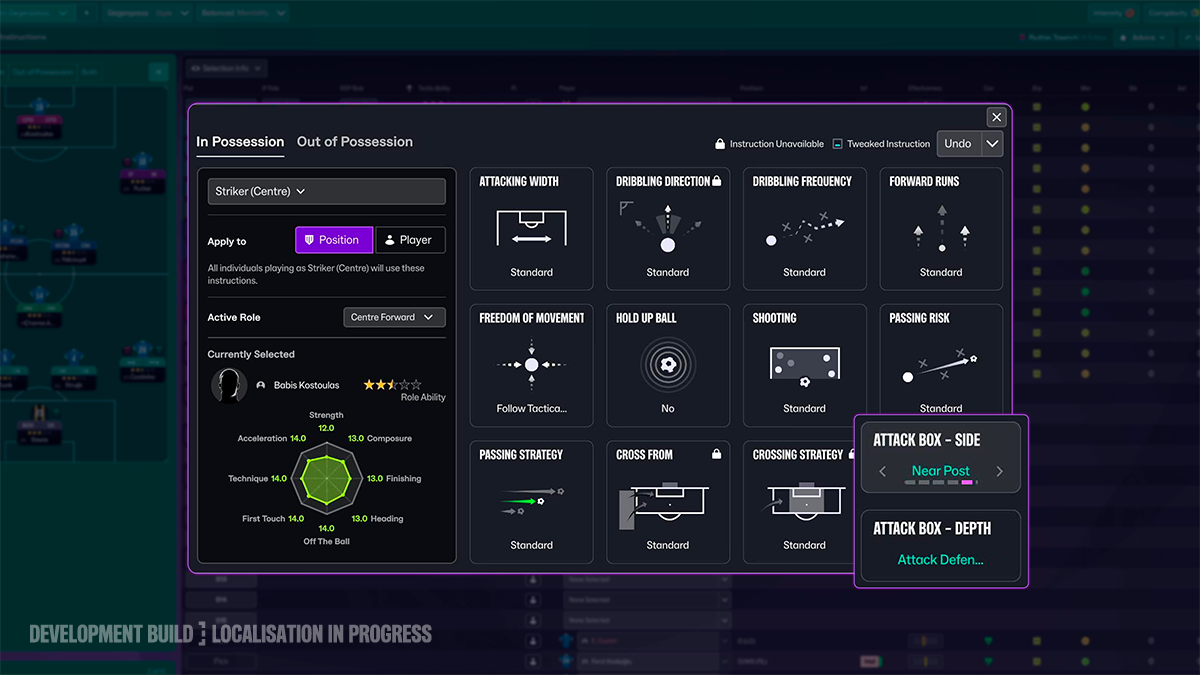
Bring your squad into focus
Choose an FM27 career save or a squad CSV once. Your lineup, depth and planning tools use the same players.
Your save is read on your device. Only the squad you import is kept in this browser for your next visit.The save reader looks for your managed club, positions, attributes and contract dates. No game installation needs to be running. If a reading is missing or the save cannot be read, a squad CSV can provide another route.
How to get a useful FM27 squad CSV
On Windows, FM View Exporter can save the squad table as CSV. Its Analyzer squad view includes player IDs, contracts and the attributes needed for role comparisons. Open that view in FM27, then export the squad. A FMSuperScout shortlist CSV works for basic coverage and finance, but its CSV does not include attributes.
For an initial check, the file needs player names and positions. Add age or birth date, wages, contract dates and attributes when your view offers them; the page will name anything it cannot read.
After Role Suitability Check
Your imported squad carries over when you open a related tool.
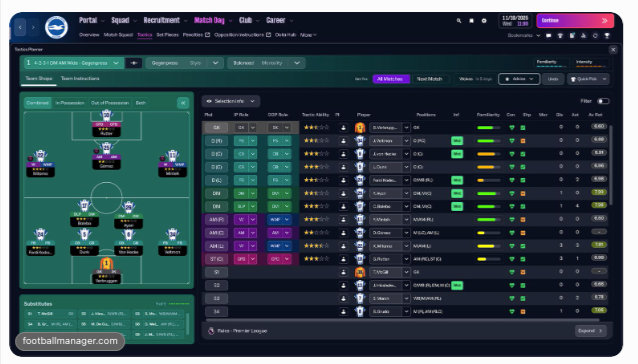
01Best XI PlannerSee your best available eleven on the pitch, compare cover and test a second shape without changing players.
 02Player Comparison
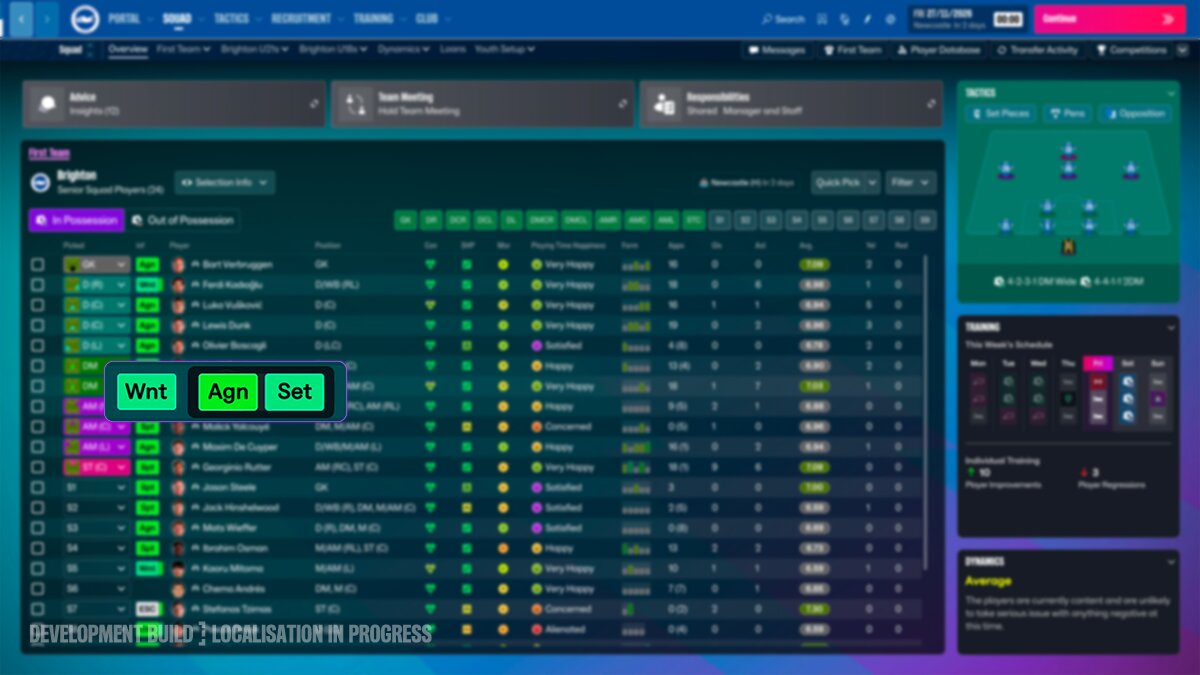
Compare players for a specific decision and see the reasons side by side.
 03Tactical Fit Analyzer
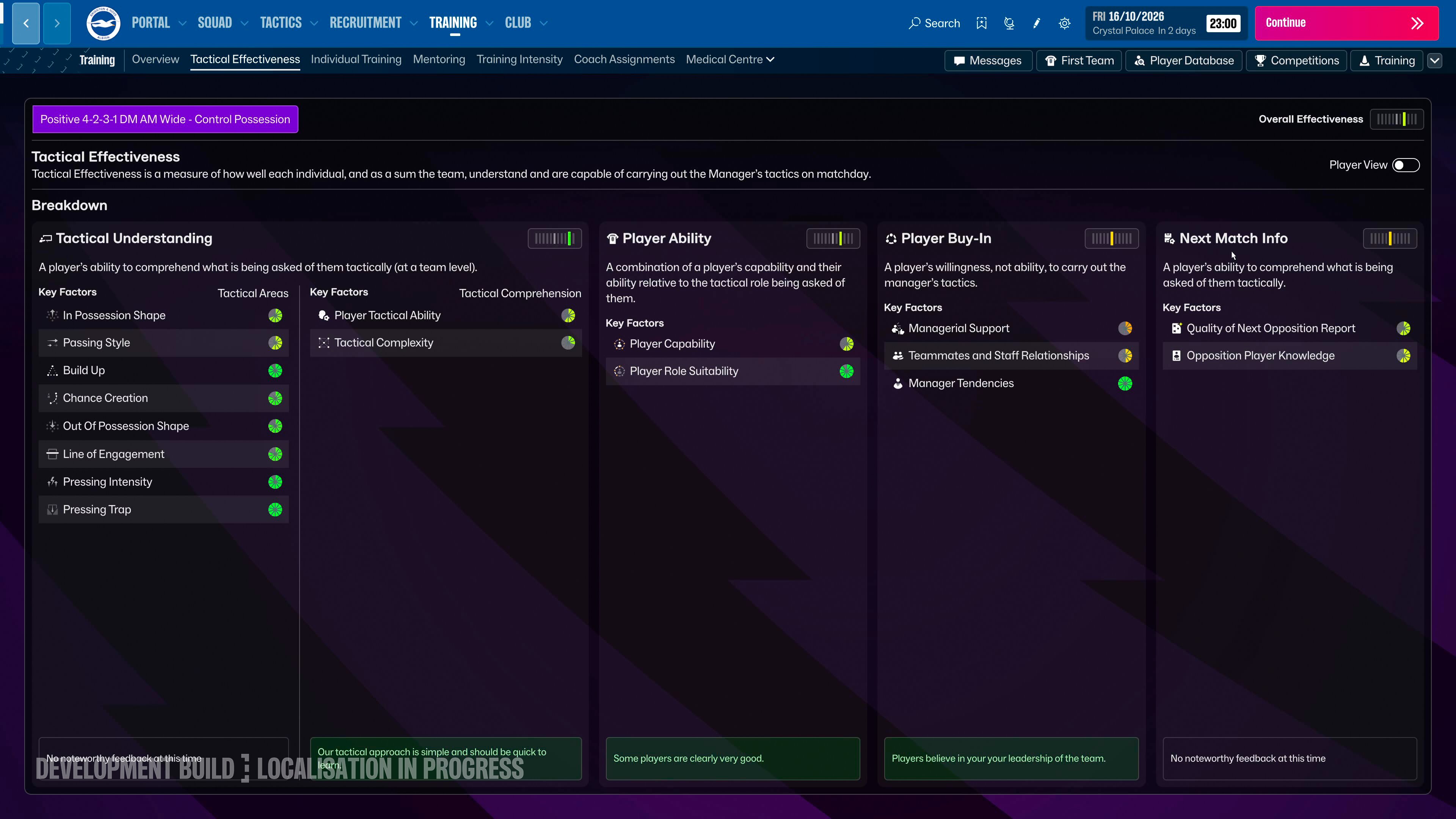
Find which players and tactical factors need a closer look in your save.
Which role suits this FM27 player?
Select a player and the Role Suitability Check starts with the positions listed in your imported file. It shows a game-view role or suitability label if you exported one. It can also compare several role profiles through the available technical, mental and physical attributes, pointing out which key attributes are strong and which are missing or weak.
The attribute score is a community estimate, not an official FM27 role value. You can open its explanation to see which attributes count. If the file provides only a name and position, the page still shows eligible roles and identifies the readings needed for a scored comparison. Tactical Effectiveness is kept separate because the game's tactical understanding and player buy-in are broader than role attributes.
See the role in a complete XIHow to use a role score without overreading it
Compare roles for the same player or candidates for the same role. Look at the individual attributes behind a score before changing a tactic. Position familiarity, missing attributes and a tactical instruction can all change the practical choice. A player who scores well for a role in this model still needs to fit the team's shape and the next match.
Use role evidence to choose between two players
Start with a position both players can fill. Open each player's role options and inspect the same role, rather than comparing unrelated scores from different positions. The page shows the attributes that lift or limit its estimate and makes missing readings visible. A role can be eligible because of a listed position even when no numerical comparison is possible. That distinction lets you keep planning with a short export without pretending the absent attributes are average.
If your game view includes its own role reading, read that alongside the attribute estimate, not as proof that the two values must agree. A player may also carry a Tactical Effectiveness concern that relates to understanding, ability, buy-in or the next match. Use the tactical page to identify that imported reading before changing the role. For a full formation decision, put the chosen role into Best XI and inspect who must move to make room.
Use Role Suitability Check for your next decision
See which listed roles suit a player’s attributes and which attributes hold them back.
- Choose a player.
- Review the best available role and its key attributes.
- Compare the other roles listed for that player’s positions.
Is the role score an FM27 game rating?
No. It is an attribute-based community estimate. The page keeps any game-view role or tactical reading separate.
What these results can tell you
Your player names, positions and other readings come from the file you choose. Missing values stay unknown. Your squad remains in this browser until you remove it.
Role comparisons use a FMSuperScout community model when the needed attributes are present. Its estimate is separate from FM27’s own ratings and match performance.