FM27 Squad Tools: Understand your squad
Bring in your squad once. Find weak positions, pick a starting XI, compare replacements and test a transfer window from the same player data.
Import your squad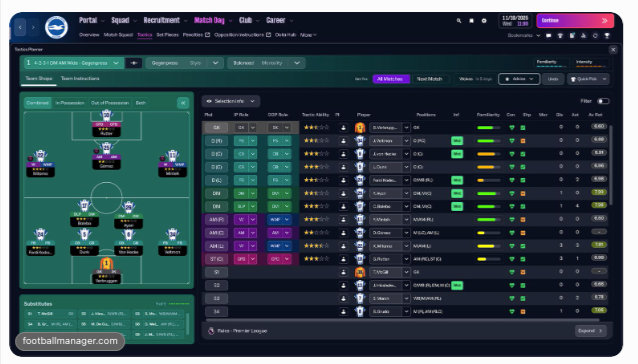
Bring your squad into focus
Choose an FM27 career save or a squad CSV once. Your lineup, depth and planning tools use the same players.
Your save is read on your device. Only the squad you import is kept in this browser for your next visit.The save reader looks for your managed club, positions, attributes and contract dates. No game installation needs to be running. If a reading is missing or the save cannot be read, a squad CSV can provide another route.
How to get a useful FM27 squad CSV
On Windows, FM View Exporter can save the squad table as CSV. Its Analyzer squad view includes player IDs, contracts and the attributes needed for role comparisons. Open that view in FM27, then export the squad. A FMSuperScout shortlist CSV works for basic coverage and finance, but its CSV does not include attributes.
For an initial check, the file needs player names and positions. Add age or birth date, wages, contract dates and attributes when your view offers them; the page will name anything it cannot read.
One squad, eight decisions
Names and positions are enough to start; other columns add more answers.
01Squad AnalyzerSee which positions need cover and which squad decisions deserve attention.
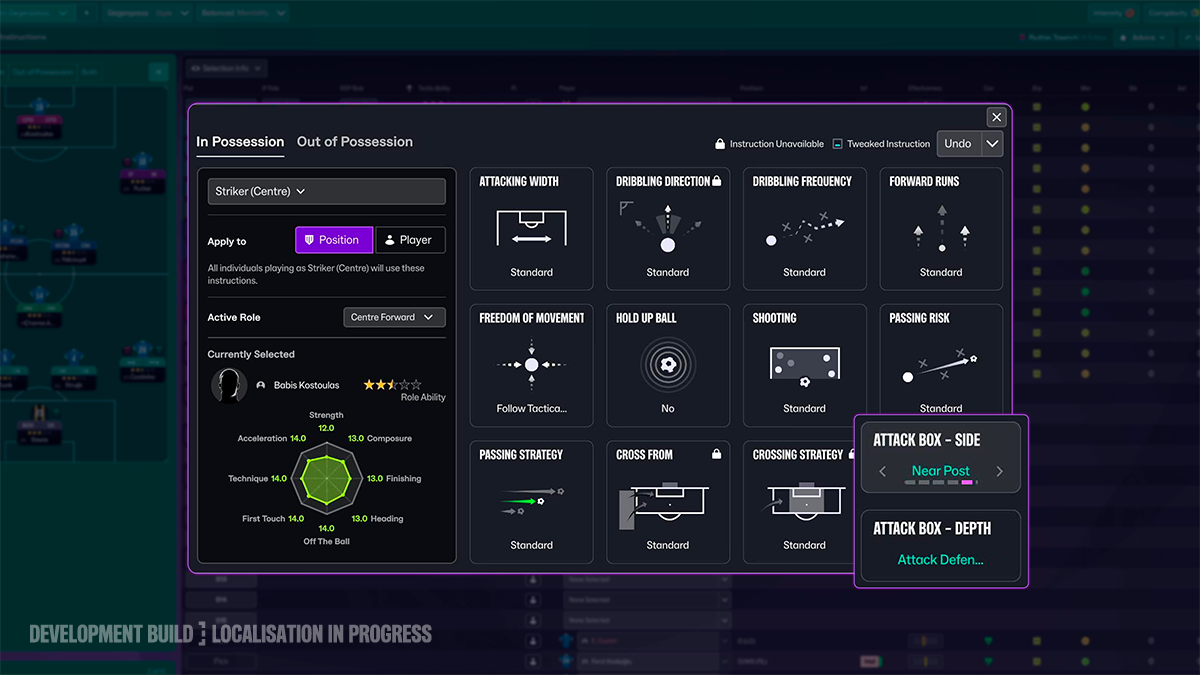 02Best XI Planner
See your best available eleven on the pitch, compare cover and test a second shape without changing players.
03Role Suitability CheckSee the roles named in your game view and compare what the attributes suggest.
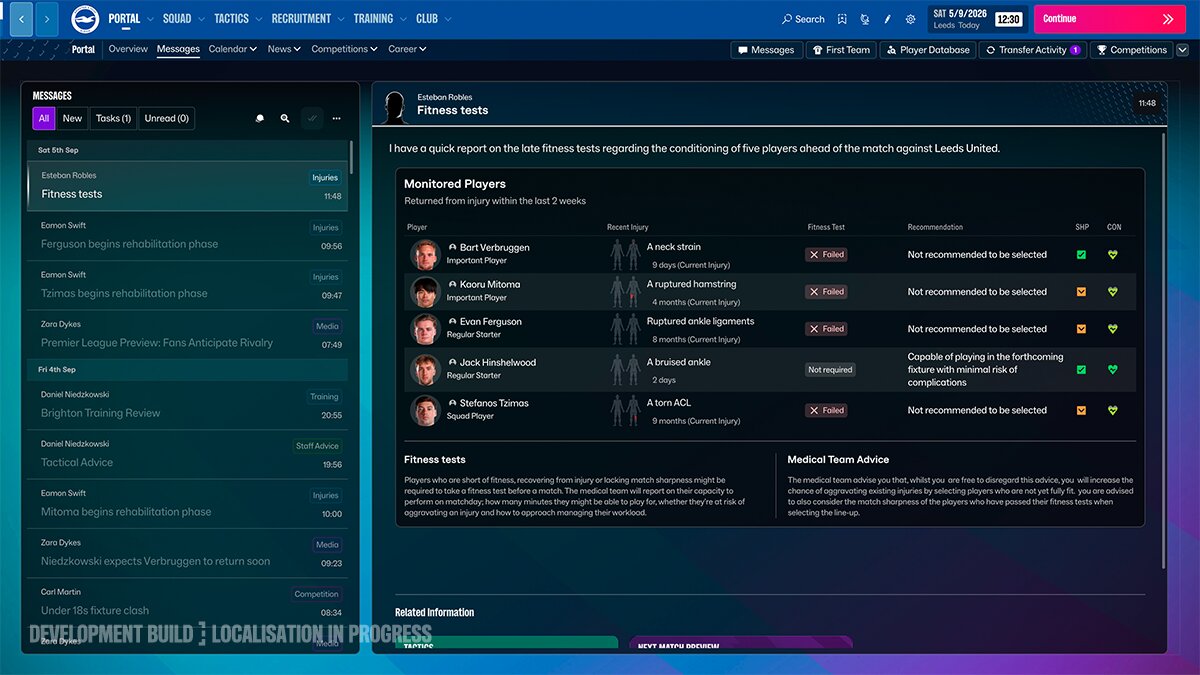 04Squad Depth Planner
Check who starts, who covers and what happens when players are unavailable.
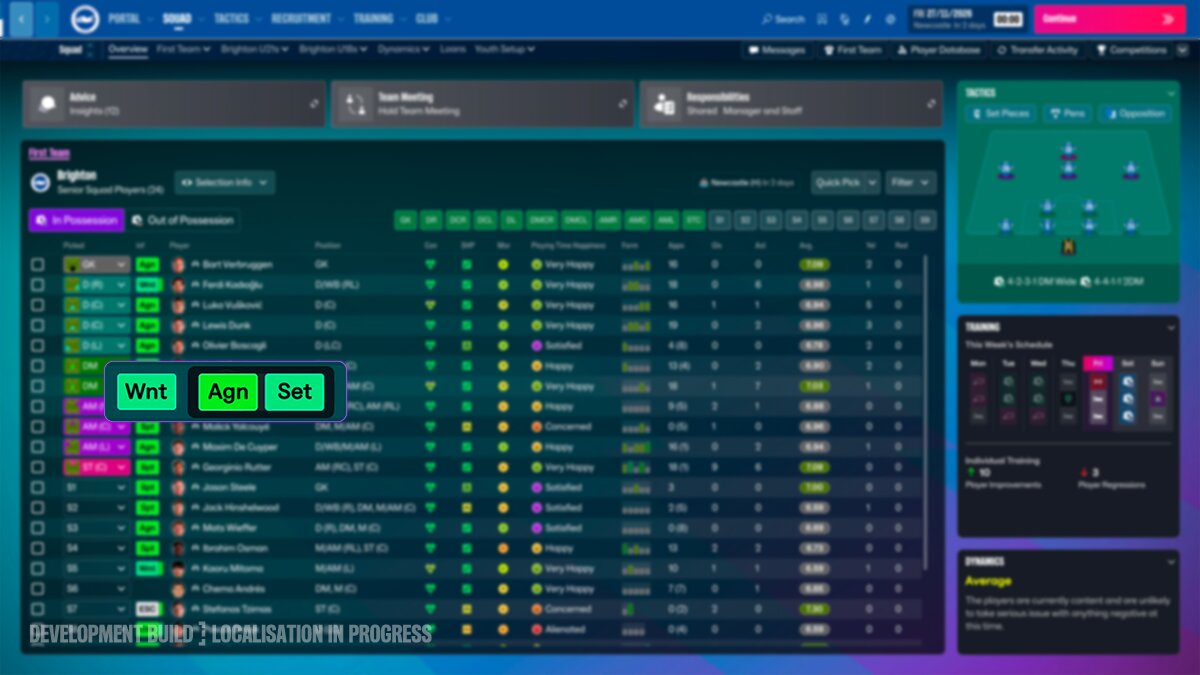 05Player Comparison
Compare players for a specific decision and see the reasons side by side.
06Squad Age AnalyzerSee who may need replacing as contracts and loans reach their end dates.
 07Transfer Budget Planner
Test several signings and sales together before committing your budget.
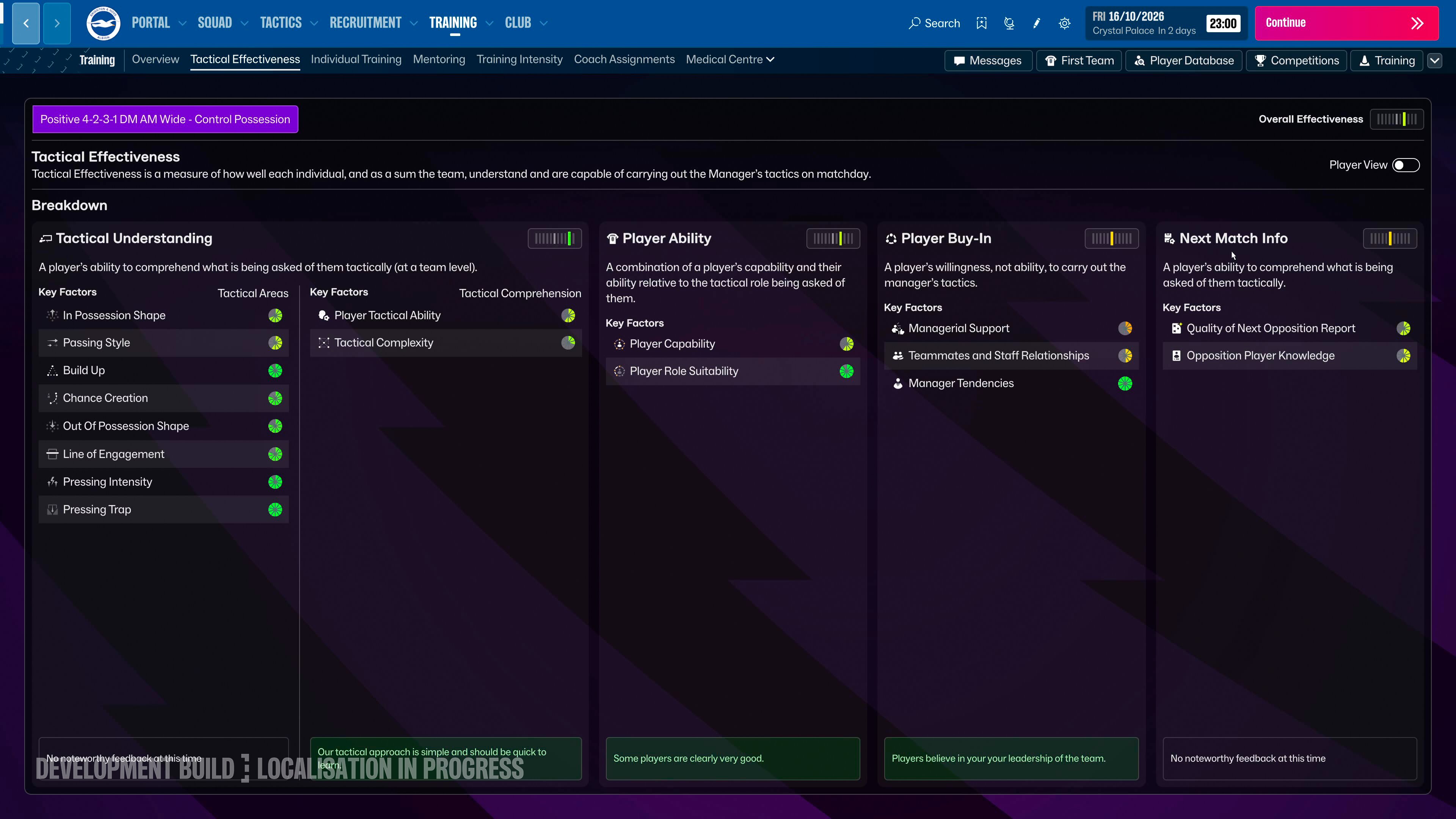 08Tactical Fit Analyzer
Find which players and tactical factors need a closer look in your save.
One FM27 squad import, several decisions
Choose a career save to read your managed club and its players in one step, or use a squad CSV when you want to choose the exported columns. Names and positions reveal where a formation lacks separate cover; age, contract, wage and attributes add the decisions that depend on them. The save file stays on your device. If a CSV includes several clubs, choose yours once so another club’s players do not become your starters.
Open Squad Analyzer for the immediate gaps and dated warnings. Then use Best XI to place distinct players into a formation, or Squad Depth to test an absence. A player listed at two positions can cover either one, but the lineup never puts that player in both places.
What should you do after the first squad report?
If a position is thin, compare a current player and a possible replacement before spending. If a contract is nearing its end, check the one-, two- or three-season age view. When you have several deals in mind, the Transfer Budget Planner shows their combined fees, weekly wage change and squad effect. Imported Tactical Effectiveness labels can point you toward a player or factor to inspect in your save. The tool names missing readings instead of filling gaps with assumed values.
Begin with the question you have today; the same imported file will still be there when you open another tool. You can remove the squad and saved plans from this browser when you are done.
From a list of players to a match-day choice
Start with the position that has the least separate cover, then ask whether the player who fills it is also needed elsewhere. The formation view makes that trade-off visible. Once you have a complete eleven, lock a player you definitely want to start and compare the next available lineup. If your imported players have role attributes, inspect why a role looks suitable; if they do not, keep the decision at position level.
A transfer question comes later. Compare the incumbent with a potential replacement, check the possible vacancy from contract dates, and put the proposed deal beside every other planned move. You can move between these questions without entering the squad again. Each answer uses only the readings in your file, so adding a fuller CSV export can supply readings absent from a career save rather than creating a separate profile.
Use Squad Analyzer for your next decision
See where your next squad decision matters most, with the players and dates behind it.
- Import your squad once.
- Choose a formation if you use a different shape.
- Open a suggested action to check cover or future departures.
Does enough cover mean the position is strong?
Cover counts players listed for a position. It does not judge their quality or fitness when that information is missing.
What these results can tell you
Your player names, positions and other readings come from the file you choose. Missing values stay unknown. Your squad remains in this browser until you remove it.
Position and future cover use the listed players and dates. Missing injury status stays unknown, and contract end dates show a possible vacancy rather than a confirmed departure.