Why is my building not working?
Check the warning on the building first: road, power, worker, input or storage. The Building Checker follows that order and asks you to recheck output after the repair.
COLONY OPERATIONS / WALL WORLD STRATEGY
Trace a stopped building, compare power before expansion, or see how long your water and food reserve lasts. Start with the warning or reading you have now.
START WITH THE PROBLEM
Readings stay in this browser as you move between planners.
IF SOMETHING IS ALREADY WRONG
Start at the affected building or resource panel.
Repair the road, restore a running supply or assign staff.
If production is still stopped, continue with the new status.
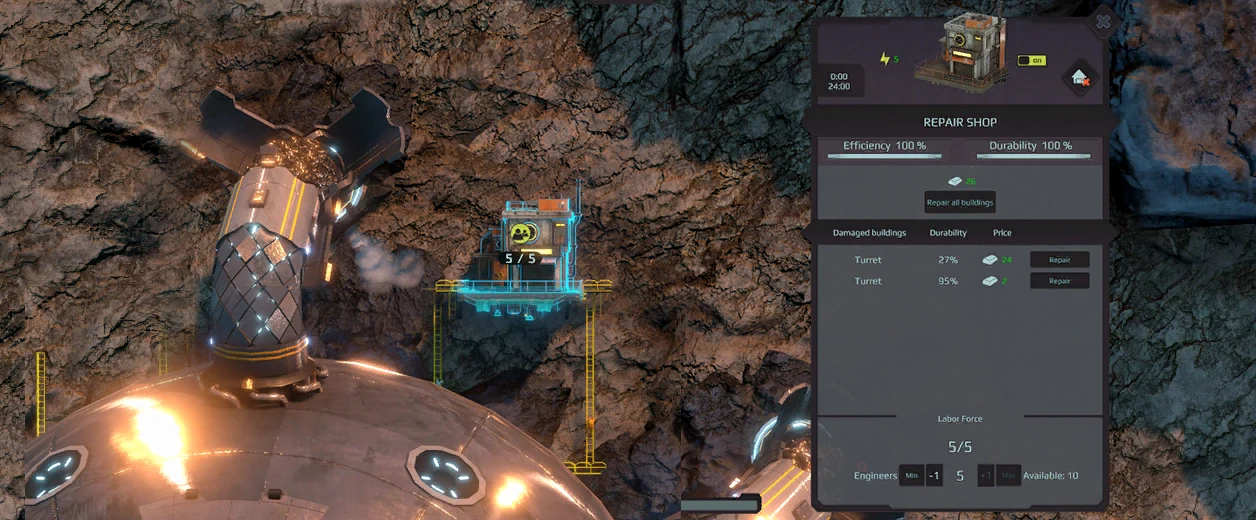
Open its status before adding another copy. A road, grid, worker, input or storage warning points to a different repair. The Building Checker follows the warning you can see and asks you to confirm output afterward.
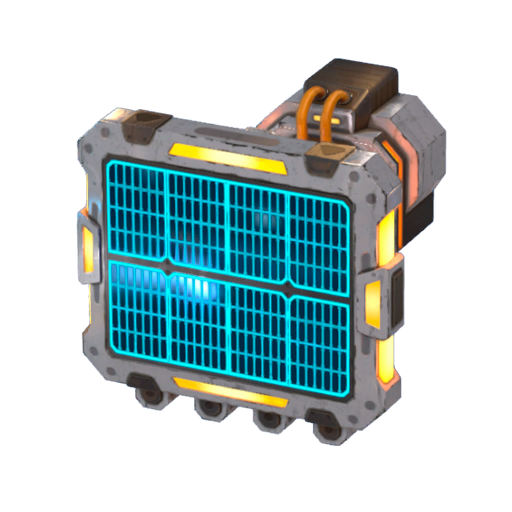
Read actual generation and current load together. The Power Planner shows the margin after your next building, with batteries kept separate from ongoing supply. If only one facility is dark despite a surplus, check its connection.
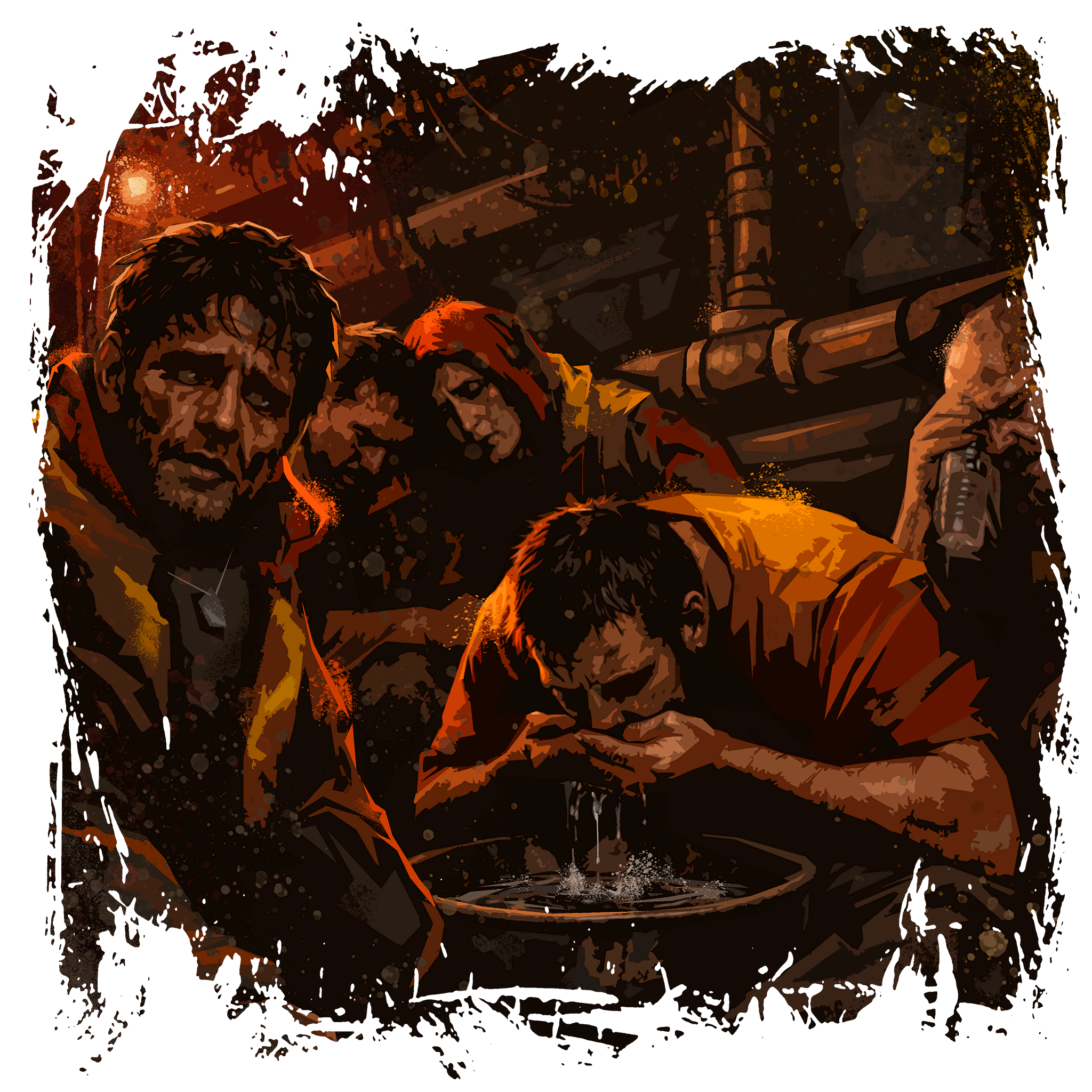
Read stock and the current change, then choose how much to keep in reserve. The Supply Planner shows the time to that reserve and lets you test a working source or more residents before you expand.
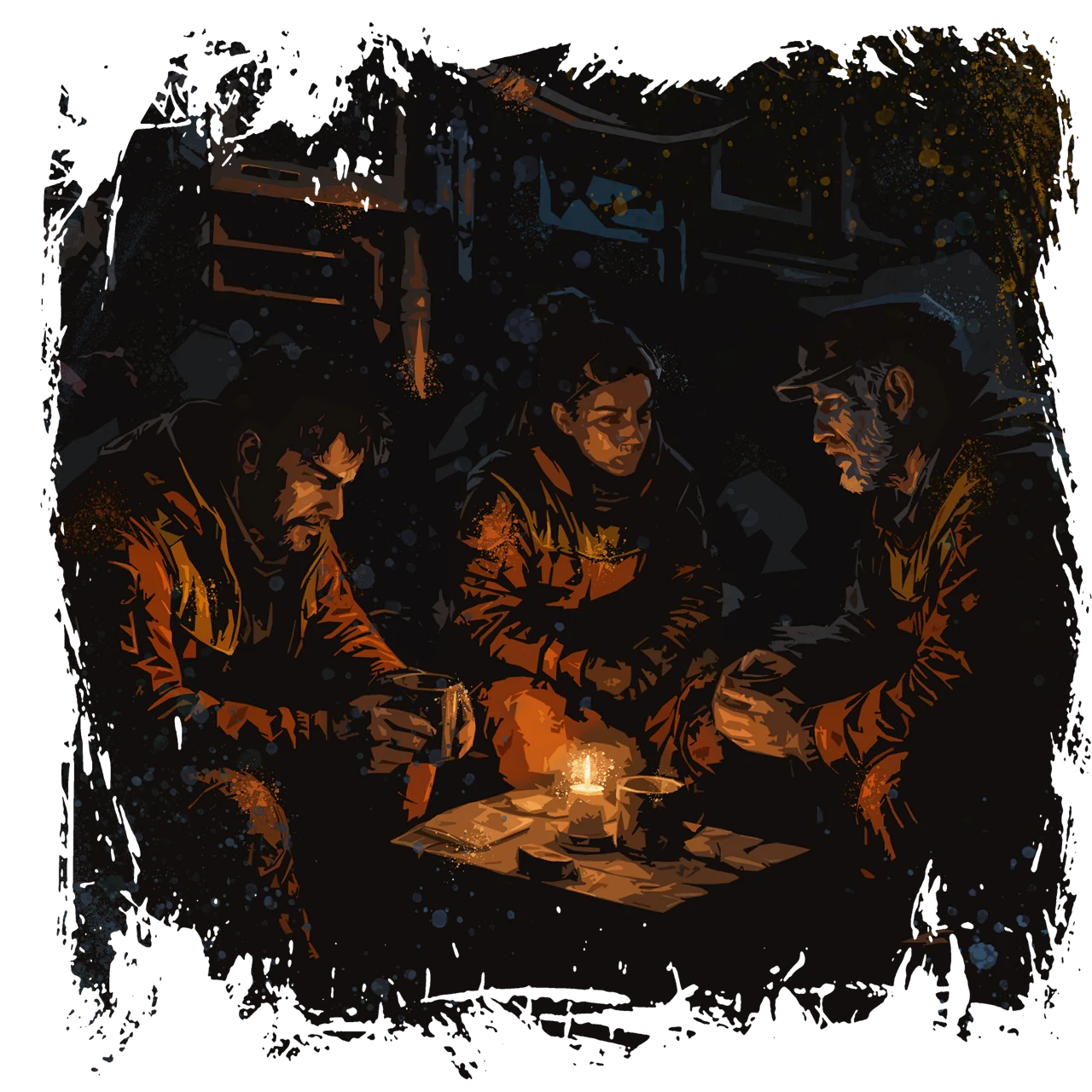
If you are starting a new colony, use the first-days guide to choose the first failing system. Preparing for an attack? Use the countdown in your Intelligence Center with the defense checklist. When several systems fail at once, repair the warning that prevents water, food or power from running, then read the panels again. The next bottleneck may change after the first repair.
FIELD GUIDES
Each guide points back to a tool when your own numbers change the answer.
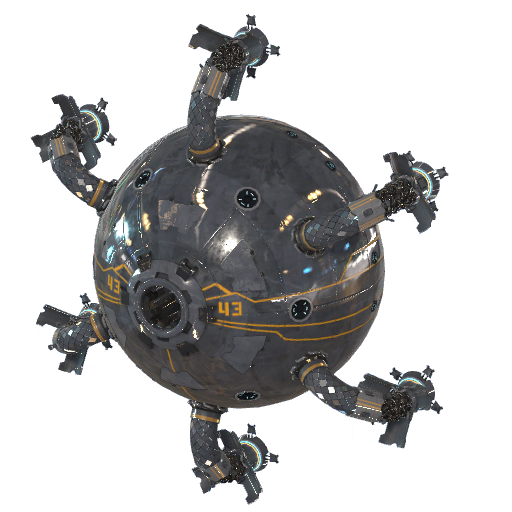 GUIDE 01First DaysWhat should I check first in a new colony?↗
 GUIDE 02Roads & CoreWhy is a nearby building still disconnected?↗
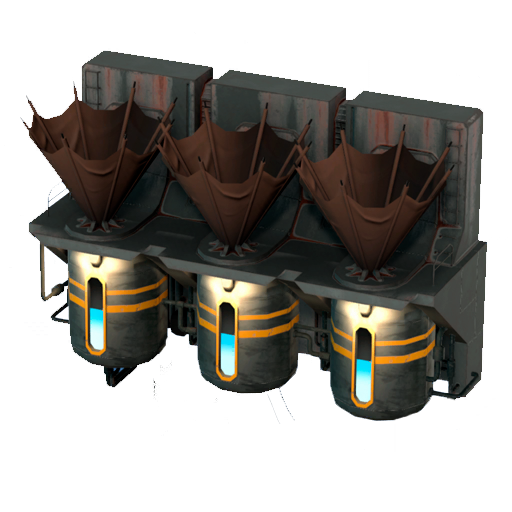 GUIDE 03Water ShortageWhy am I short of water with a collector built?↗
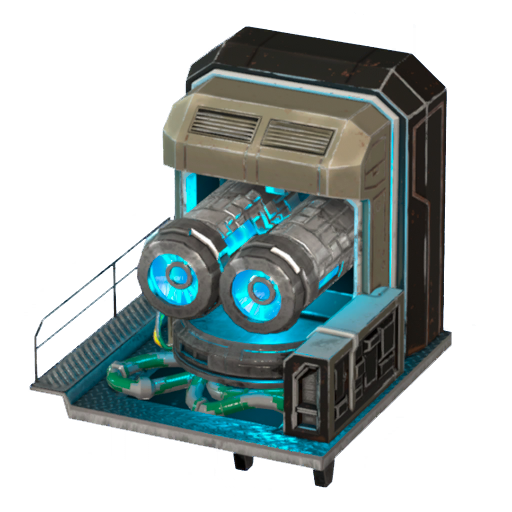 GUIDE 04Power ShortageWhy is the colony dark after building a generator?↗
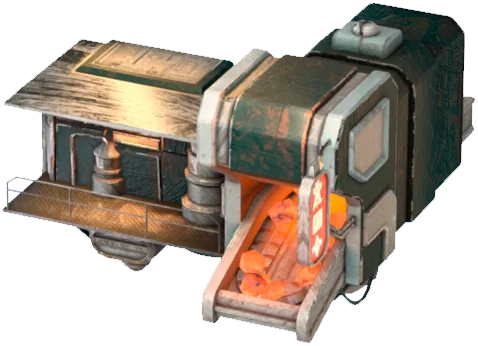 GUIDE 05Mining & WorkersHow do I add miners or fix a stopped mine?↗
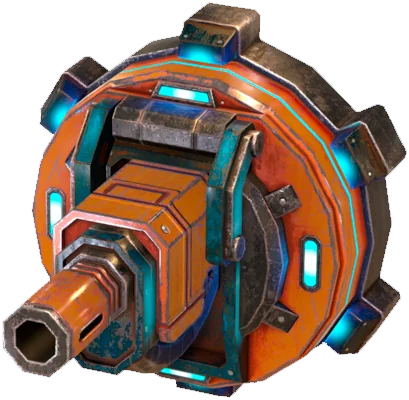 GUIDE 06First AttackWhat can I still prepare before the next attack?↗
A road, grid, worker, input or storage warning points to different repairs. The Building Checker follows the warning you can see, then asks you to confirm output. Adding another copy of the building rarely fixes the first cause.
The Power Planner compares actual generation with the load after your next building. Batteries help for a time but do not increase ongoing supply. If one facility is dark while the colony has a surplus, check its connection before building another generator.
The Supply Planner reads stock, the current change and the reserve you want to keep. A full store with a negative change still has an end date. Test a working source or the next residents before you expand.
Check the warning on the building first: road, power, worker, input or storage. The Building Checker follows that order and asks you to recheck output after the repair.
Compare generation with the current load and the next building. A battery covers a gap for a time; it does not add ongoing supply.
Enter stock, the current change and the reserve you want to keep. The Supply Planner shows the time to that reserve, not a promise about future events.
Yes. The planners keep the values you enter in this browser so you can move from the building check to power or supplies.
Repair the warning that stops water, food or power from running, then read the panels again. The next bottleneck can change after the first repair.