LIVE COLONY TOOL
Wall World Strategy Water and Food Supply Planner
See when water or food reaches your reserve, compare more residents or a working source, and find out when repairing production should come first.
What is happening now?
Use one input method. A net change already includes production and consumption.
Compare more residents, a repaired facility or a dry period
Start with the change you are considering. Current stock and current use already include your existing residents.
Repair first or expand?
If a facility has stopped, its current output is already reflected in the supply panel. Diagnose it before adding an identical facility that might also stop. If working output still falls short, compare another source and its power needs.
When you add residents, water and food are used at eight points in the game day. The exact increase can depend on how many people already live in your colony. Recheck the supply panel after expansion.

What does a falling resource bar mean?
Stock answers how much water or food you have; net change answers whether that stock is rising or falling. If the current net is negative, the planner divides the amount above your chosen reserve by that loss per panel interval. For example, 80 water with a reserve of 20 and a loss of 10 per game day reaches the reserve in six game days if that rate continues.
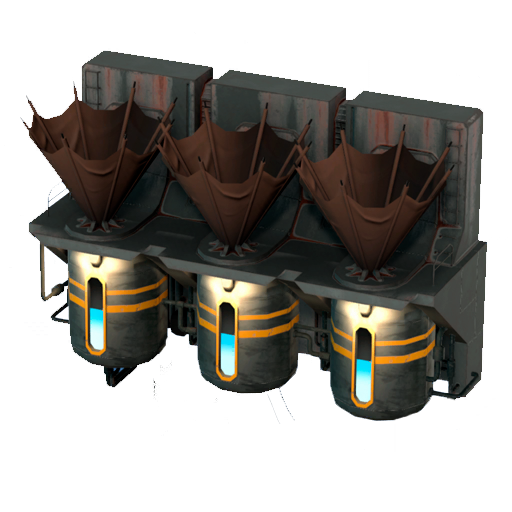
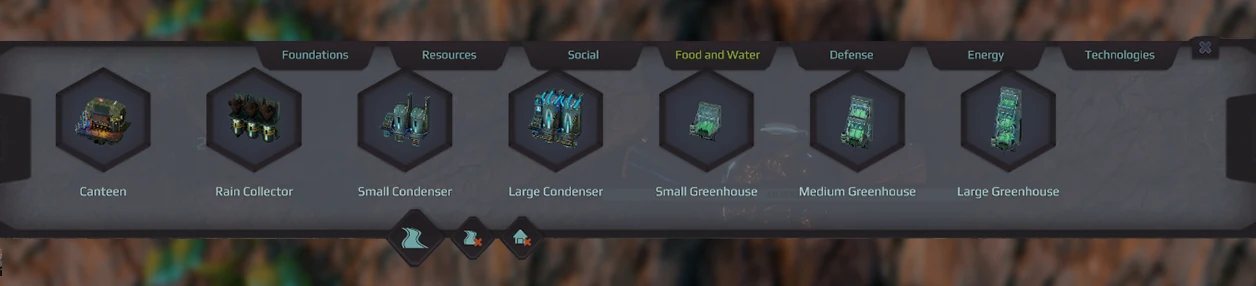
Test a new source only after checking that it can run. A Canteen makes Food from Biomass, while a Greenhouse makes Biomass for that chain. A Raincatcher's actual water depends on conditions; a Dew capacitor has a daytime work window. New residents add demand at several points in the day, so the tool keeps uncertain increases as a range instead of treating an average as a guaranteed stock path.
Is the shortage a stopped building or too little production?
Watch the water or food stock over a short period. If the producing building shows a warning or its actual output is zero, repair that source first. If it is running but stock still falls, the colony is using more than it receives. Enter stock and the signed net change from the panel, or use separate production and consumption readings. Choose only one method so consumption is counted once.
The reserve estimate assumes the entered rate stays unchanged. Set the stock you want to keep in reserve, then compare when the current trend would reach it. If rain, staffing or working hours change, enter the new reading to update the answer.
Diagnose a stopped producer →What changes when you add people or another source?
Open the comparison only after you have the current trend. Add the number of new residents and the difficulty shown in your game, or enter their measured extra use. The resident estimate may be a range because consumption is applied in whole amounts at several points in the day; the new panel reading settles the result.
For food, the Canteen needs Biomass. A Greenhouse produces Biomass, so building another Canteen cannot solve a missing Biomass input by itself. When comparing a new producer, also check its power, work hours and whether output can reach storage.
Work through a water shortage →