LIVE COLONY TOOL
Wall World Strategy Building Checker: Why Production Stopped
Choose a stalled building and the warning you see. Check the likely cause, make one repair, then confirm output before checking the next problem.

Which building is stopped?
Choose one to keep the check focused. The warning shown in game decides the next action.
After the first repair
If the warning clears but output still does not move, read the new status. The checker keeps the conditions you already examined. A road repair can expose a second issue such as power, workers or input supply.
Choose only a warning this building actually shows. If the warning changes after a repair, follow the new one before building anything else.
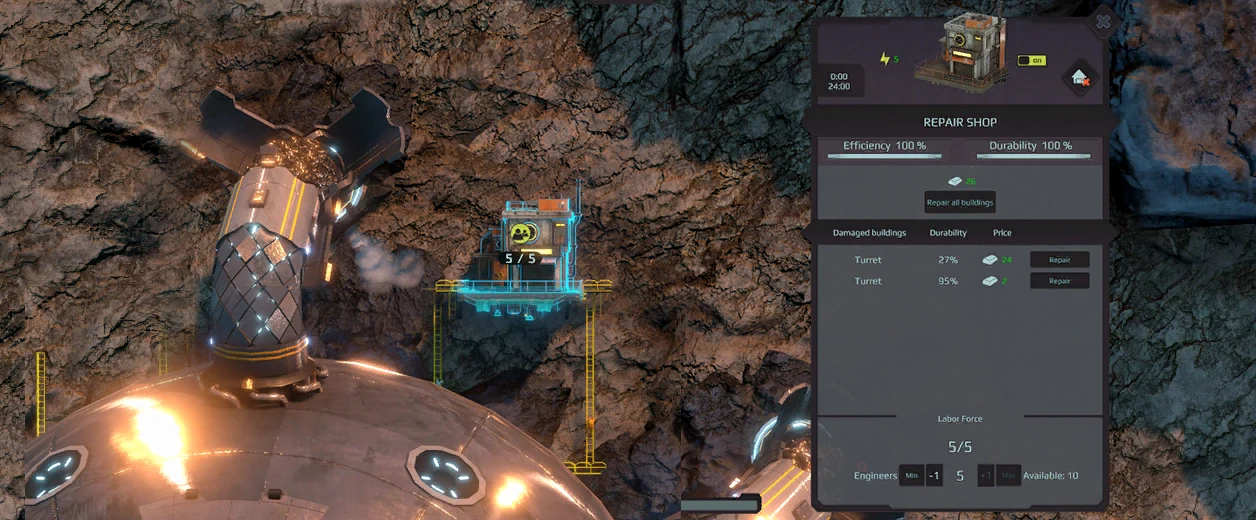
What should you read before changing the building?
The warning on the affected building is more useful than the symptom alone. Choose the same building and the closest status in the checker; it will give you one thing to verify, a matching repair and a result to watch.
- Road or grid: trace the connection from this building rather than assuming a nearby segment reaches it.
- Workers or input: check who is assigned and which named resource the selected recipe needs.
- Storage full: make room for output before constructing another producer.
If the first warning clears but production stays at zero, open the building again. A second condition may now be visible; the checker keeps the earlier one marked so you do not repeat the same repair. A Canteen that has power and road access still needs Biomass, while a Smelter needs the input for its selected recipe. The current warning decides which check comes next.
What if there is no warning?
Check whether construction has finished and whether the building is paused or outside its working hours. Then compare the current output counter with the stock it should fill. If the counter moves but stock does not, inspect the receiving storage. Keep the building selected in the checker and choose the first condition you can verify.
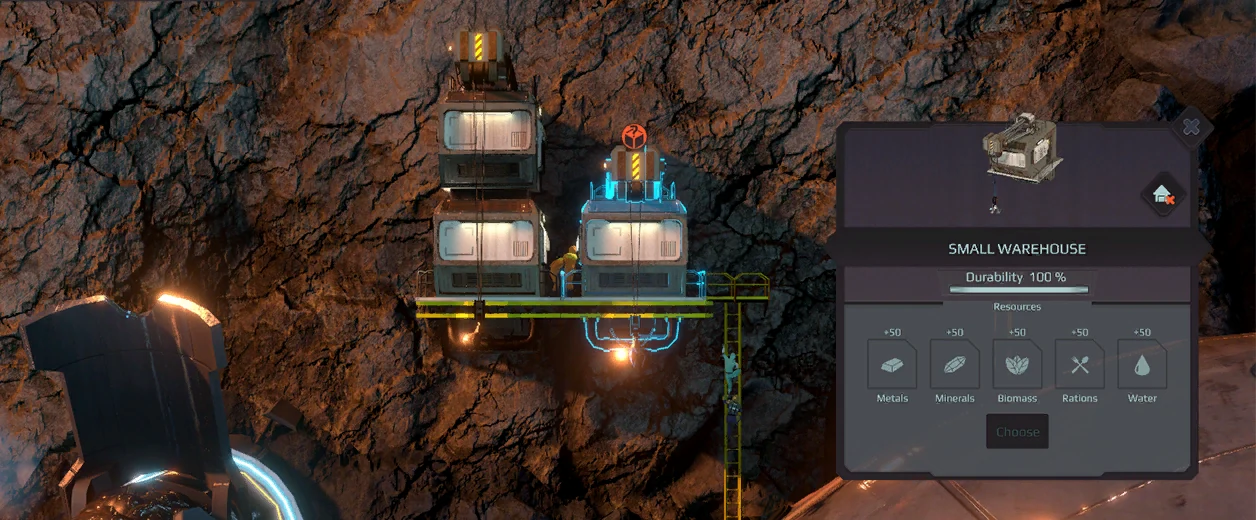
A building is placed, but nothing is coming out
Start with the building’s current warning. A road break, missing electricity and an empty input can all stop the same facility, but each calls for a different repair. Choose the building above, select the warning you actually see, and follow the check shown beside it.
After a repair, watch its output or progress rather than relying on the warning disappearing alone. If it remains stopped, use “Still stopped” to keep your checked causes and move to the new status. This matters when reconnecting a road reveals a second shortage.
See how to trace a road connection →Which check comes next if there is no useful warning?
Confirm that construction has finished and production is enabled. Then trace access to the Core, check whether the building receives electricity, look at assigned workers, and inspect any required input or output storage. A mining station also needs a usable deposit; a Raincatcher depends on current weather. The checker narrows these choices when you select a known building.
- A full output store can stop a working production chain.
- Moving workers can reduce water or food production elsewhere.
- A powered colony can still contain one building outside its grid.