01
Find each copy target
Blueprint checks the compatible Joker immediately to its right. Brainstorm checks the leftmost compatible Joker.
Place the copied effects where they help your current hand most.
Open this Joker example →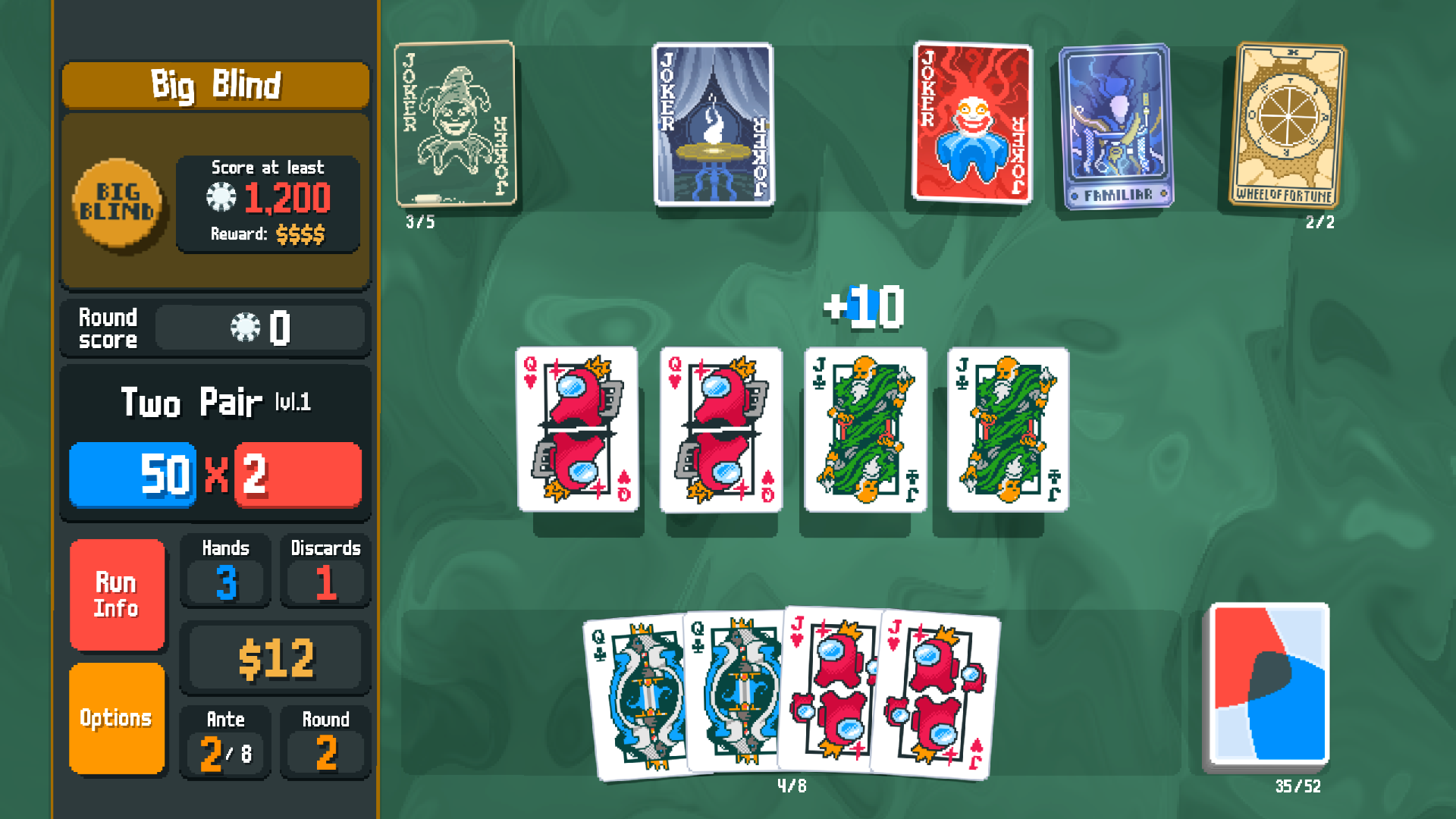
Blueprint checks the compatible Joker immediately to its right. Brainstorm checks the leftmost compatible Joker.
A flat Mult effect before an ×Mult effect may score differently from the reverse. The order search checks the current hand and editions.
Moving, selling or adding a Joker changes copy targets. Recheck the arrangement when your row changes.
Blueprint copies a compatible Joker to its right. Brainstorm copies the leftmost compatible Joker. Moving either one can change both copied effects.
If the leftmost Joker only pays cash after a round, copying it may not raise this hand’s score. Move the row so the copied effect fits the play you need, then compare the result.
A copy follows the target’s conditions. If the target needs a card or event you do not have, moving the copy may not help this play.