Do I need one hand to beat the Blind?
Most Blinds allow several hands. The page shows the target and the contribution from the play you can make now.
See the target for your Ante and compare it with the best play from cards you hold.
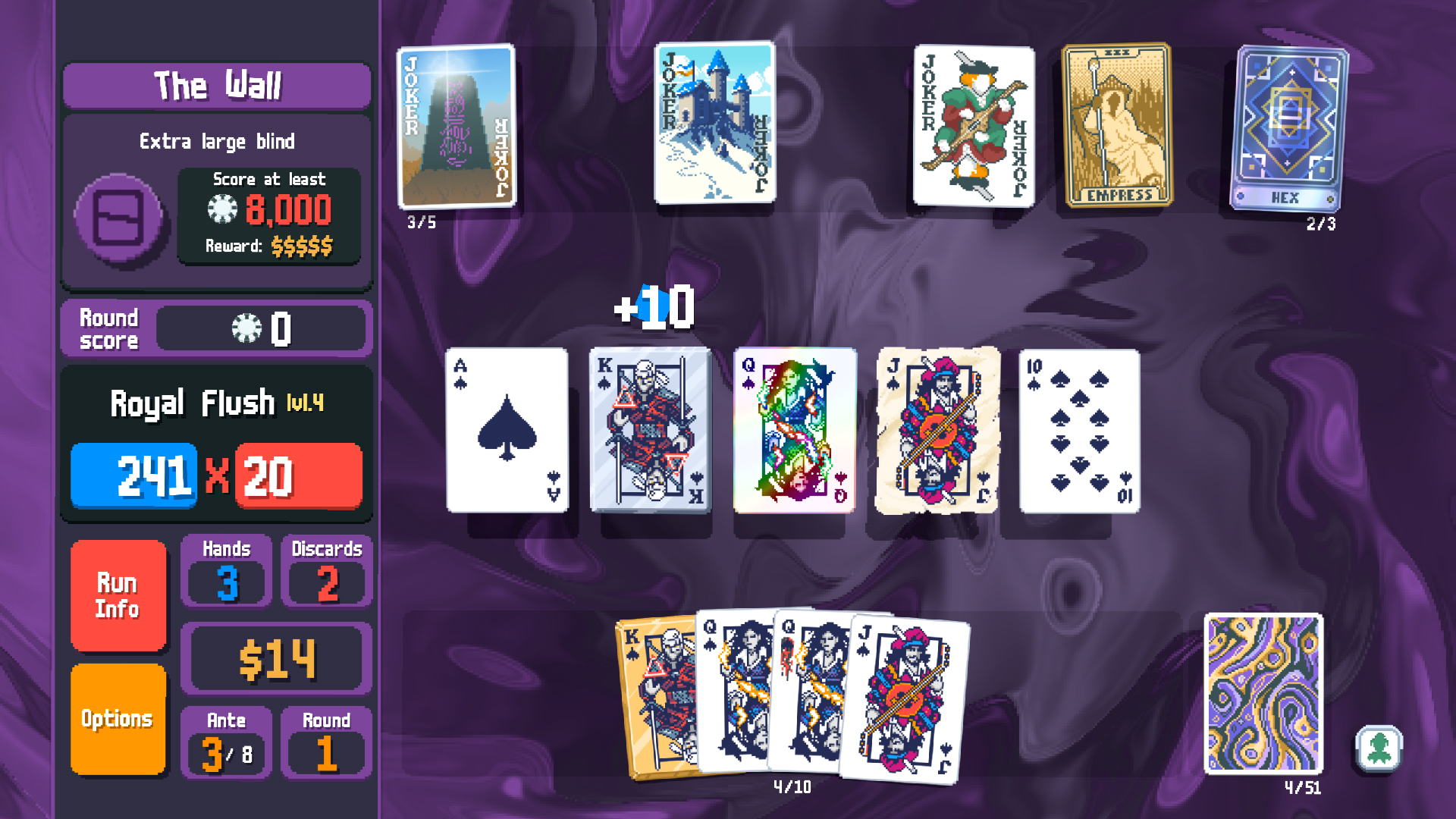
Select the Blind shown in your Run. Add history only when that Boss needs it.
The starting target shows an example. Match the Ante, Stake and Blind in your Run.
Pick up to eight cards. Tap a card again to add a second copy. For held-card effects, add cards left to right as shown in your hand. Use Edit only for cards with an effect.
No cards selected yet.
Place Jokers as they appear. Edit when an edition or current card value changes scoring.
No Jokers selected. If that matches your Run, confirm it below.
Add the Jokers you own. Effects that change this play are included; effects that only change your money, deck or later hands cannot raise this score. When an effect is random, you will see a score range.
Small Blind at Ante 1, Stake 1.
No special card restriction. Check whether this hand reaches the target.
Tap the cards you hold above to compare your strongest play with this target.
Choose the Ante, Stake and Blind you see. The target changes with Stake and some Decks; a Boss may also debuff cards or restrict a legal play.
The planner uses your saved cards and Jokers to find what the current play contributes. When it is short, the gap tells you whether to look for another hand or strengthen this one.
A single hand need not clear most Blinds. Check the hands and discards you still have, then avoid spending a key card before you know how many points remain.
Most Blinds allow several hands. The page shows the target and the contribution from the play you can make now.
The page asks for the specific earlier hand, forced card or other reading when that Boss rule needs it.