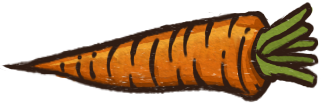
Carrot
Regular price 3 coins · fits your bagsCan remove Poison. That changes your selected coverage from 0 of 1 effects to 1 of 1.
Check the placement ↗BACKPACK BATTLES · DEFENSE
Pick the opponent items causing trouble. See whether your items remove Poison, Blind or Cold, and find a replacement that fits your bags.
Example opponent: Poison Goobert. Choose the item you actually face; your first choice replaces this example.
Your class’s starting items are selected. Change only what differs.
You still need removal for Poison.
Selected opponent items can cause Poison.
Can remove Poison. That changes your selected coverage from 0 of 1 effects to 1 of 1.
Check the placement ↗Can remove Poison. That changes your selected coverage from 0 of 1 effects to 1 of 1.
Check the placement ↗
Can remove Poison. That changes your selected coverage from 0 of 1 effects to 1 of 1.
Check the placement ↗
Can remove Poison. That changes your selected coverage from 0 of 1 effects to 1 of 1.
Check the placement ↗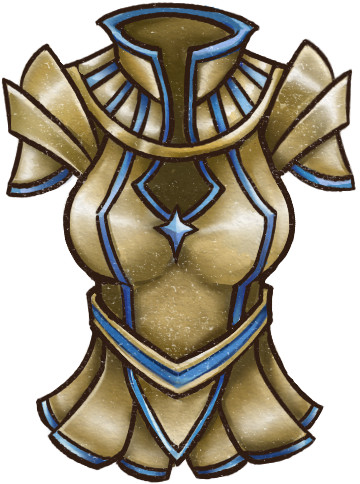
Can remove Poison. That changes your selected coverage from 0 of 1 effects to 1 of 1.
Check the placement ↗This checks listed effect removal, not its timing, damage or battle result. Review the item in your current run before replacing it.
Start with one opponent item you recognize. The planner reads its listed Poison, Blind or Cold effects, checks what your current items can remove, and looks for a class-available addition that fits your bags.
If one of your selected items can remove the effect, keep it in mind before replacing that piece. The result shows coverage from listed effects, not how often removal triggers in a fight.
Read the named item to take out and check the new placement. The swap may answer one status problem while giving up something else your build needs.