GameToolForge/Manor Lords/Buy, sell or raise Treasury
MANOR LORDS · CHOOSE YOUR NEXT MOVE

Buy, sell or raise Treasury in Manor Lords

Choose a good to sell or import, find the right way to buy livestock, or check a Treasury bill. See trade-route needs and the next action in Manor Lords.
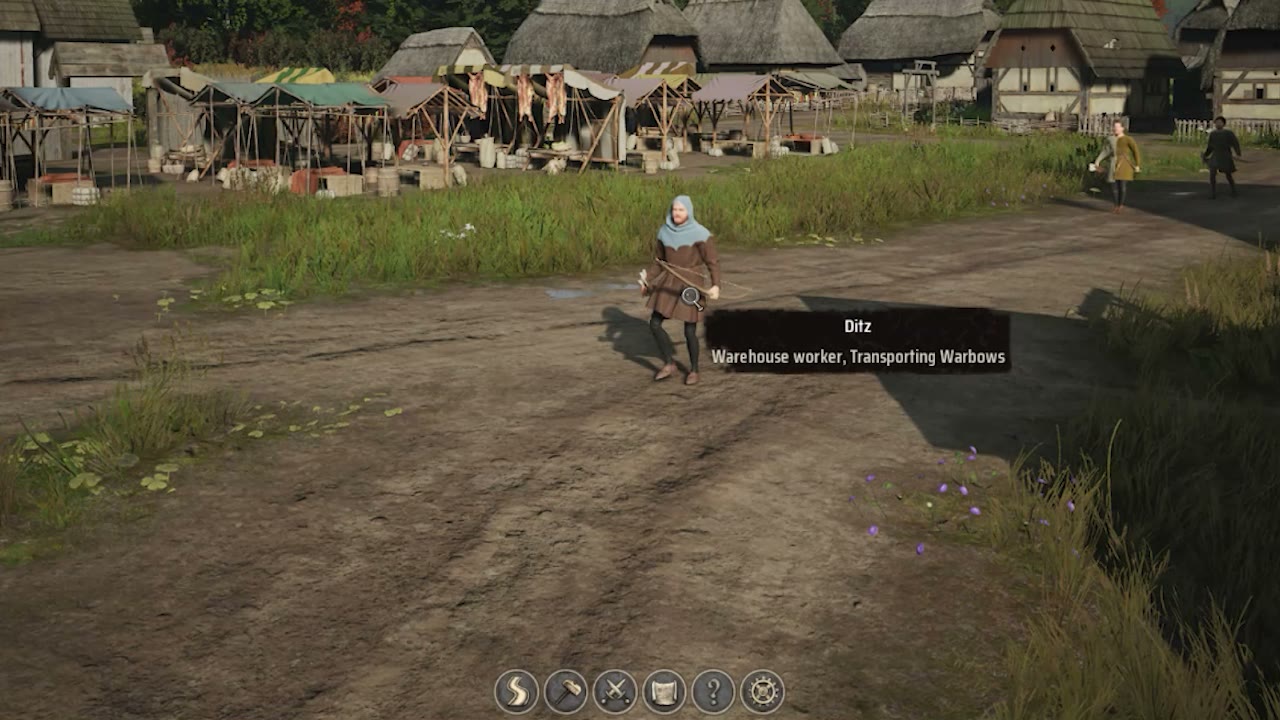
Worker carrying goods near a Manor Lords market

What do you need from trade or Treasury?

Your next move

Build Regional Wealth first

  1. Exports and upgraded Burgage Plots can add Regional Wealth.
  2. Open the Trading Post and set the good’s import rule and stockpile target.
  3. Reserve enough wealth for any dedicated trade route the good requires.
Choose the good below →

Which good do you need to trade?

Example: buying Ale. Choose the good you need to buy or sell.

Trade direction
Common goods
Set a specific amount?

Imports spend this region’s Regional Wealth. Set a stockpile target that covers your shortage.

Your next move

Buy a trade route before importing Ale

Set Ale to import and choose the stockpile target your settlement needs.

This good needs its dedicated route. Check the current route price at the Trading Post before buying.

If it does not appear in your Trading Post, choose a good your settlement can currently trade. If goods do not move, check workers, road access and the trade rule.

QUICK ANSWER

How do I buy, sell or raise Treasury in Manor Lords?

Choose the action first. Trading goods and buying livestock use Regional Wealth, while Royal Tax, mercenaries and a Settlers Camp use Treasury. For a good, set its Trading Post rule and the amount to keep locally; the plan shows the next route or stockpile check.

What to check after the fix

After a completed trade, confirm the good and Regional Wealth moved as intended. A Treasury bill needs its own balance check.

Set the right trade rule →